
 |
If there is not enough space to show all available information, this is signalized by the display of "more...". Especially, this could be the case in the columns Summary and Topology.
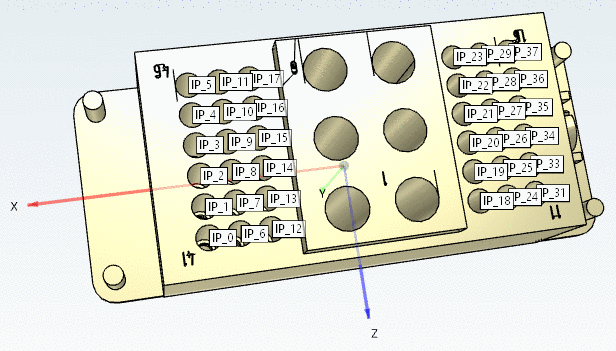
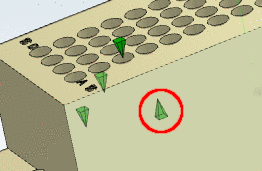
When searching for "schraube" in an English user interface, in the expanded view, you can see where the hit occurred.

Searching for topological values by Full-text search, may possibly deliver a lot of values. In order to see all values, click on "more...".