5.12.13.6.1. Design parts in
NX via path structure and "Stock" function
In NX Routing Mechanical, it is possible to create a path structure with start, end and node points (ports/anchors ) and then wrap these with pipes, for example, using the stock function. On the CNS side, the ports correspond to connection points. Parts exported from PARTsolutionsbehave like native NX parts and can be integrated directly into assemblies.
Example
Open new
Routing document.
File -> New
Select Routing Mechanical in the dialog of the same name and confirm with OK.
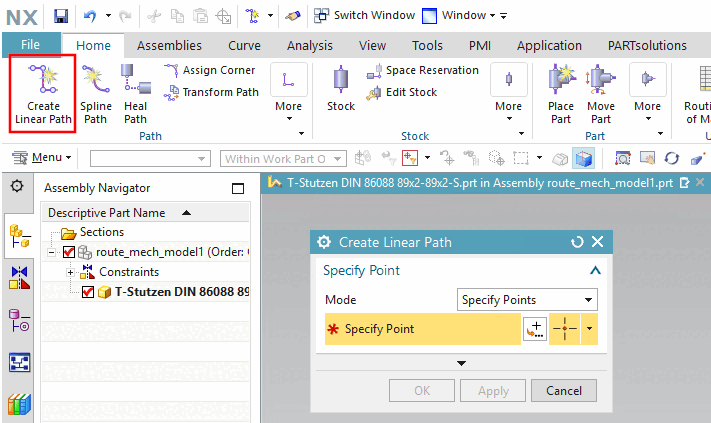
Click Create Linear Path.
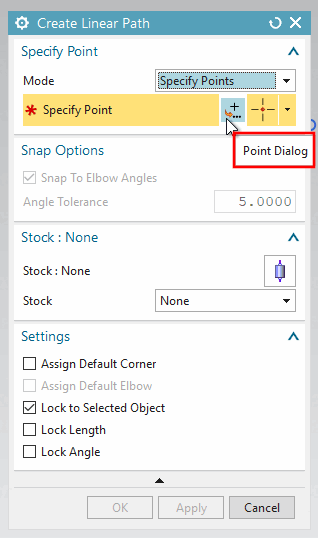
Determine points e.g. with Point Dialog.
Confirm with Apply and OK and close the dialog.
Path result:
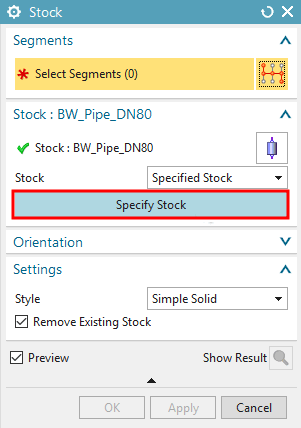
Click on Stock (measurement).
-> The same-named dialog is opened.
Click on Specify Stock.
-> The Specify Item dialog opens.
Specify Item
In the Folder View, open the Routing Part Library -> Pipe item.
Select DIN-BW-PIPE, for example.
Select Table View, for example.
Select BW_Pipe_DN80, for example.
Confirm with OK.
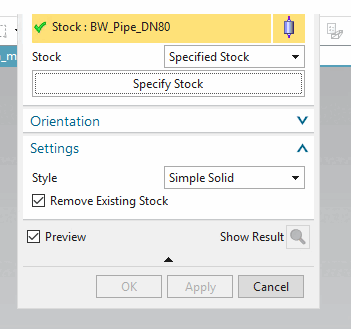
Click on Select Segments and then on the desired path with the cursor.
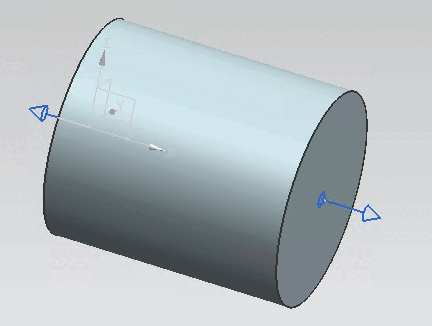
-> Result