
 |
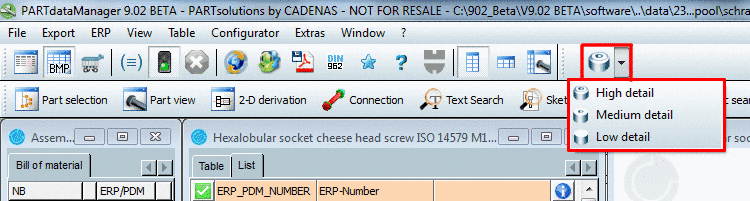
You choose the different levels of detail using the respective buttons in the PARTdataManager.
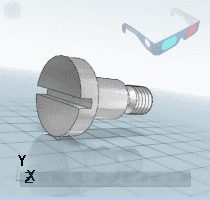
The following shows two examples of the 3-D views in the PARTdataManager:


Example 2: Grooved ball bearing DIN 711 cut


When exporting to the CAD system all levels of detail are transferred per default. If the CAD system contains this feature, you may then also be able to switch between the levels of detail (otherwise only the LOD "high" will be displayed).
The following figure shows uses SolidWorks to show the respective dialog window for switching between the levels of detail as an example.
