

If the command Cut extrude xy: Select surfaces is used, the context menu command Surface attributes. [Face attributes...].. is then available in the 3D view on all elements and not just on the original element. is available on all elements and not just on the original element. For groups with many elements, this is much easier than finding the original element.
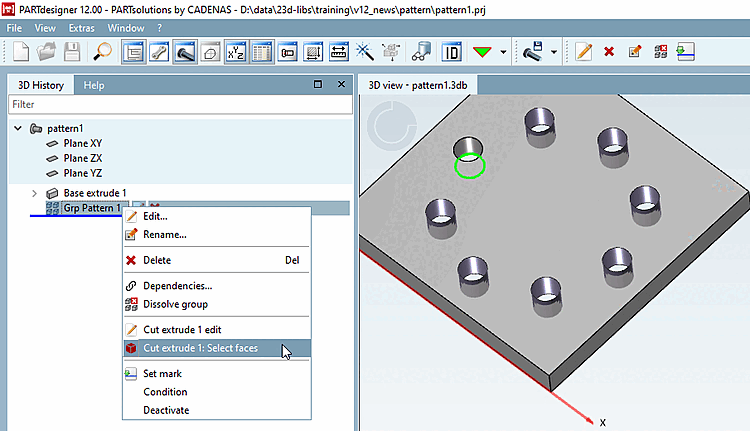
![Call area attributes. [Face attributes...].. on any element](https://webapi.partcommunity.com/service/help/latest/pages/cn/installation_ecatalogsolutions/doc/resources/img/img_64932f51dade46be87b01522d252c7c9.png)
!["Face attributes. [Face attributes...].." with "SYS_FaceAttributeColor" applied](https://webapi.partcommunity.com/service/help/latest/pages/cn/installation_ecatalogsolutions/doc/resources/img/img_1ae01002d8c04e12bc67953b5662fc3c.png)