
 |
User-friendliness was improved in the Classification window:
The Project, Search and Class system dialog areas can be adjusted in size.
In the directory tree under Class system preview images are shown.
The search can now be carried out by clicking on or with the Enter/Return key.
If you select a search result the tree at the right is expanded and the respective part selected.
If you double-click on a search result it is added to the Selected classes area directly. (Otherwise you had to use the Add
 button every single time.)

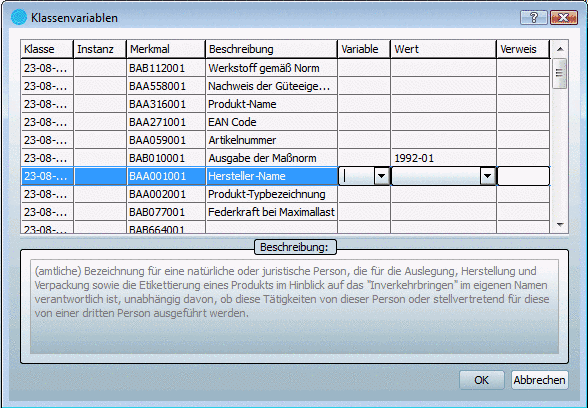
A detailed description can be found under Section 5.12.5, “ Add projects to classification (context menu) ” in eCATALOGsolutions Manual.