
 |
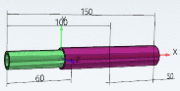
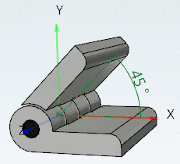
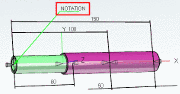
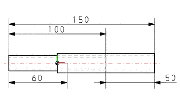
For Part selection in PARTdataManager, dimensionings are automatically created in 3D view and 2D derivation. When exporting the part, the 2D derivation is transferred to the CAD system.
During modelling process respective data is parametrically created in PARTdataManager in the dialog area Dimensionings.

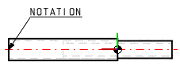
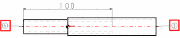
| Horizontal, vertical and parallel dimensioning | Radial dimensioning | Angular dimensioning | Annotations / Position numbers for list of material |
|
|
|
|
|
|
|
|
|
|




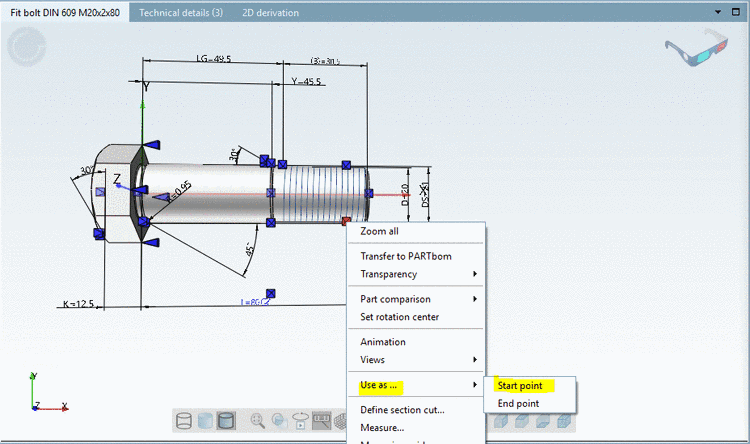
As of V11 the creation has been simplified still more. You don't have to know either name of connection point nor copy it in the clipboard. Simply enter it in the respective dialog via context menu command Use as ... Start point/End point.
A complete example can be found under Section 7.15.1, “Example: Create dimensioning ” in eCATALOGsolutions Manual.