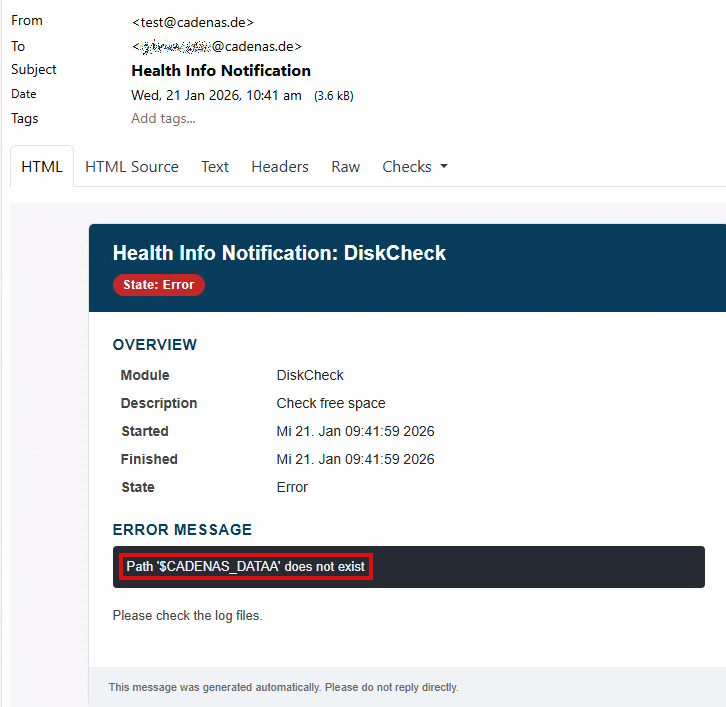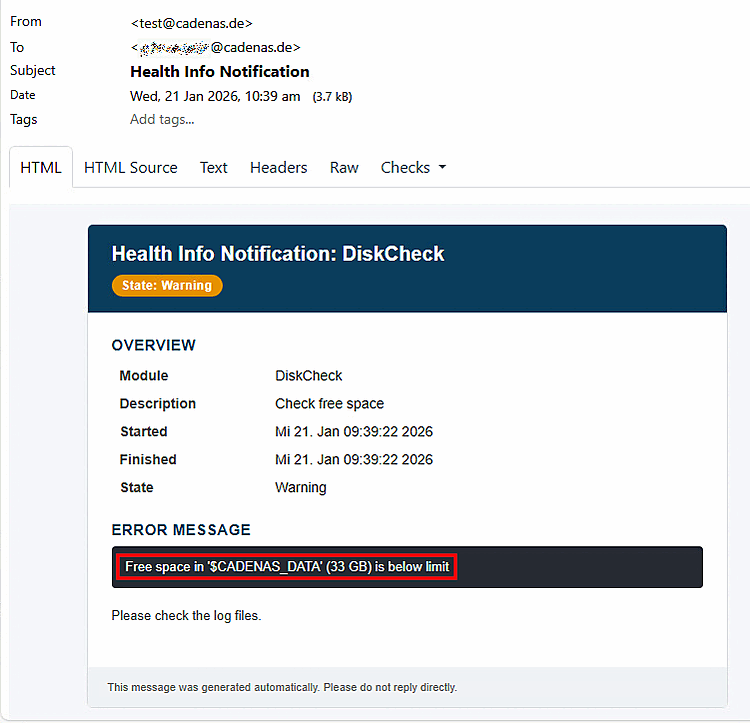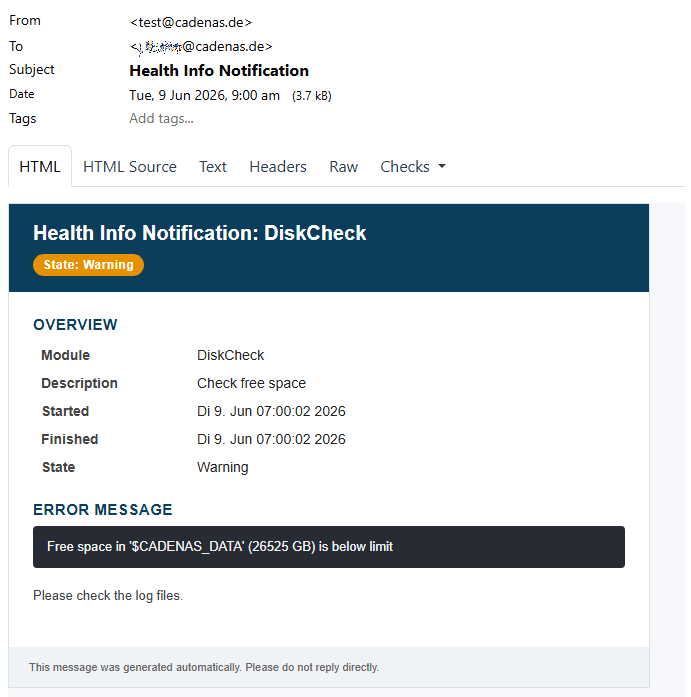
You make the settings for e-mail notificationsin the configuration file $CADENAS_SETUP/pappserver.cfg.
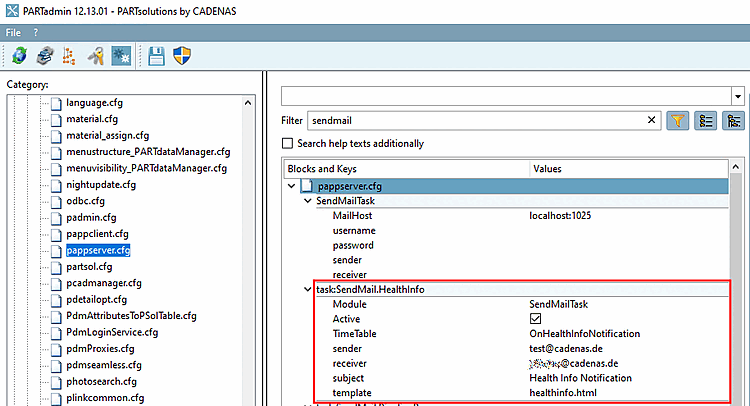
In the block
SendMailTask must be at least the
Settings in the key MailHost be set:
MailHost (mandatory): Host name and port of the SMTP server used for sending emails.
username (optional): Username for authentication on the SMTP server
password (optional): Password for authentication on the SMTP server (can be encrypted)
sender (optional): Email address that is used as the sender of the notification. Fallback if not set in a mail task.
receiver (optional): Recipient e-mail address for the notification. Fallback if not set in a mail task.
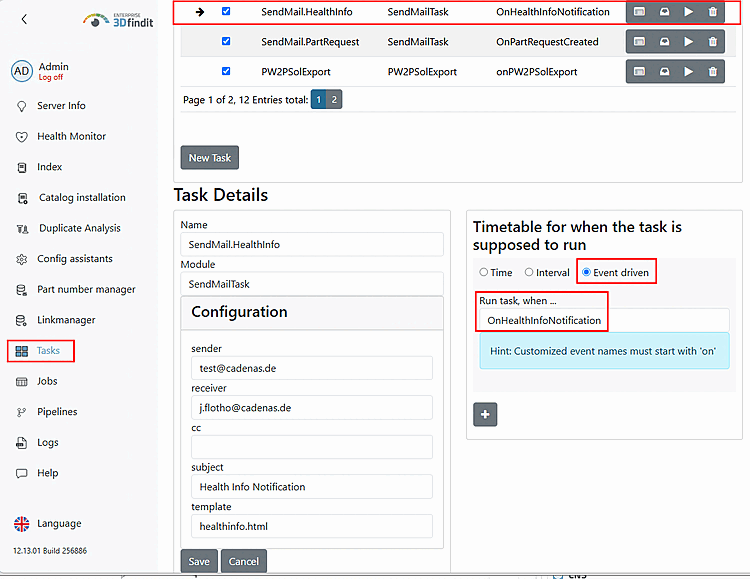
The values entered under sender, receiver and subject are displayed in the e-mail notification.
The following settings must be made so that notifications (error or warning mails) are sent:
Example for block "healthtask:DiskCheck"