|
![[Note]](https://webapi.partcommunity.com/service/help/latest/pages/cn/partsolutions_user/doc/images/note.png)
Information of parts already classified according to eCl@ss, can be mapped to the CNS classification. Otherwise 3D data in PARTsolutions (connection points classified as electrical connections) have to be equipped with additional information from data sheet.
CADENAS supports a certain subset of connection properties (class Electrical Connection), which are defined under eCl@ss ADVANCED. This subset can be enhanced anytime on request.
Following figure shows the currently available connection properties (Electrical Connection = CNS_CP|4|3) [in red frame] called under PARTproject -> Extras menu -> Class systems: edit....
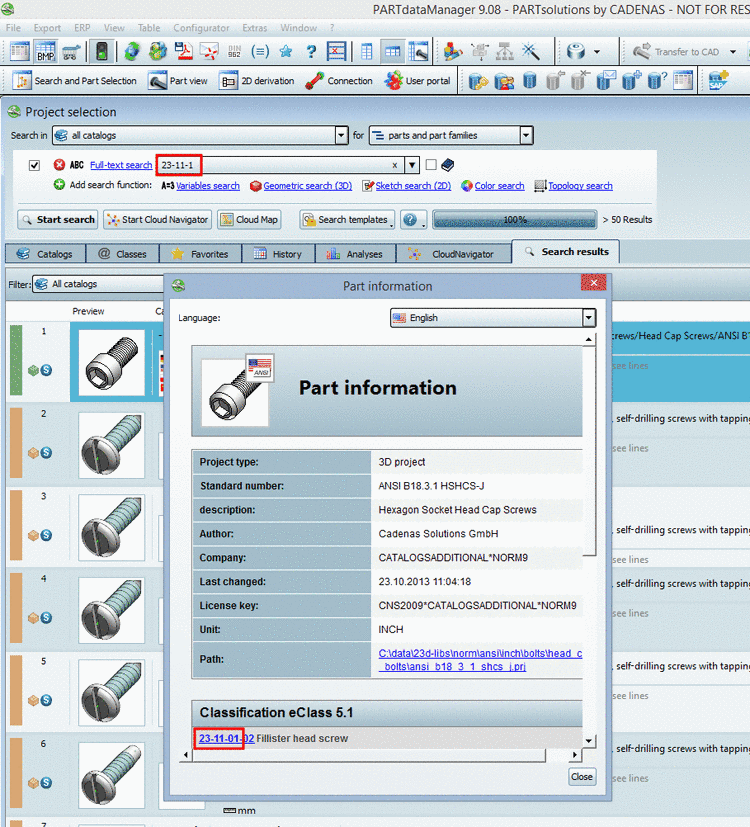
The following figure shows the currently available connection properties (Electrical Connection = CNS_CP|4|3) called under PARTproject -> Edit project -> tabbed page General -> Attributes (CNS)
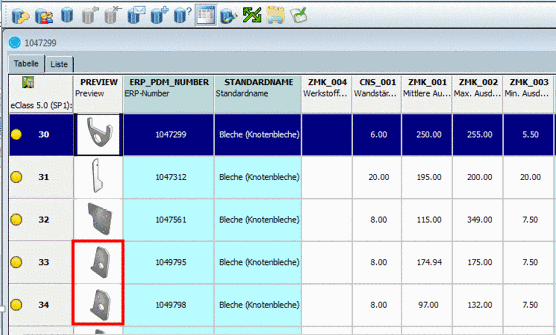
The following listing exemplarily picks out some attributes and shows possible values:
Currently supported connection types (upgradeable on request)
You can set the type in the dialog Class variables.
Furthermore you can set the type in the dialog area Published elements.