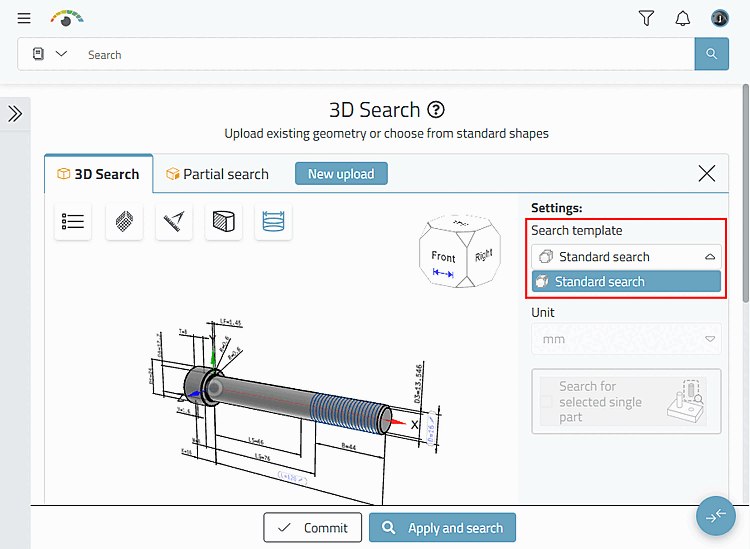
The settings for opening the 3D search [3D Search] for the very first time are taken from the default template.
The
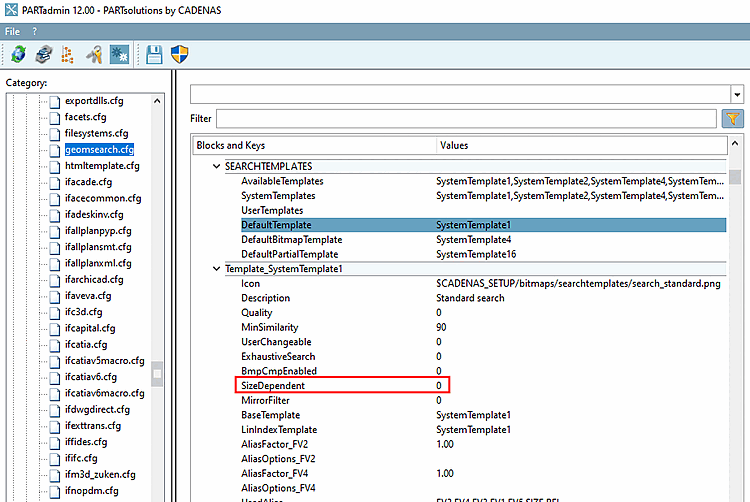
The corresponding setting can be found in geomsearch.cfg > [ SEARCHTEMPLATES ] block > key
DefaultTemplate. This template uses
SizeDependent=0.
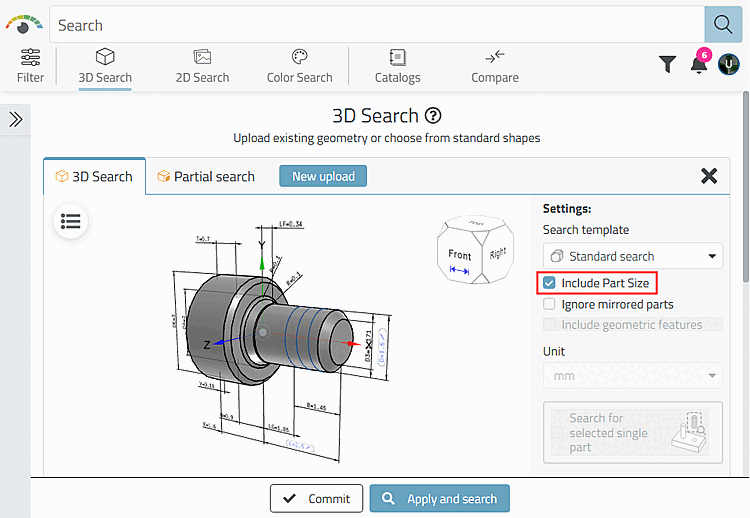
For example, if you want to activate the Include component size [Include Part Size] option by default, use the value SystemTemplate7. In this template, the SizeDependent key is set to 1.
The setting for search templates can also be role-dependent.
![[Note]](https://webapi.partcommunity.com/service/help/latest/pages/cn/partsolutions_user/doc/images/note.png)
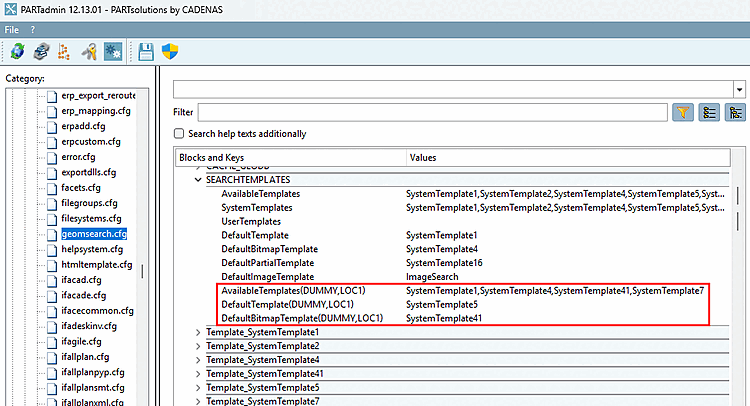
Example of 3D search [3D Search] in 3Dfindit: