4.6.1.13.  Define section cut...

As of v9.05 working with sectional planes and modifying the plane offset is more comfortable.

  • Extra toolbar in addition

    Using the context menu command Define section cut... an extra toolbar appears.
    Buttons:

    Close: The "Define section cut" mode is finished, the toolbar hidden.
    YZ plane
    XZ plane
    XY plane
    Reverse section cut
    Show plane

  • Define offset:

    At first choose the sectional plane.

    In order to define the offset you have the following options:
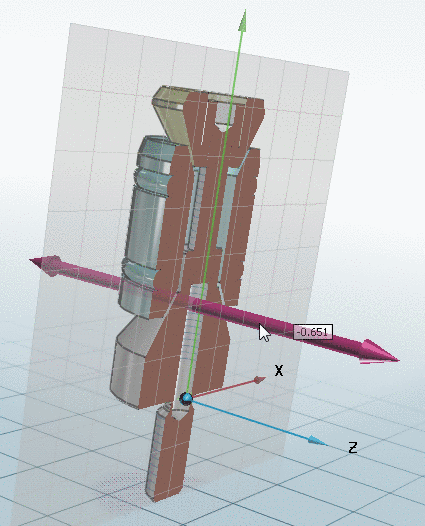
    • Click on the axis and move the cursor along the axis with pressed mouse key.

      -> The current offset value is displayed fluently.

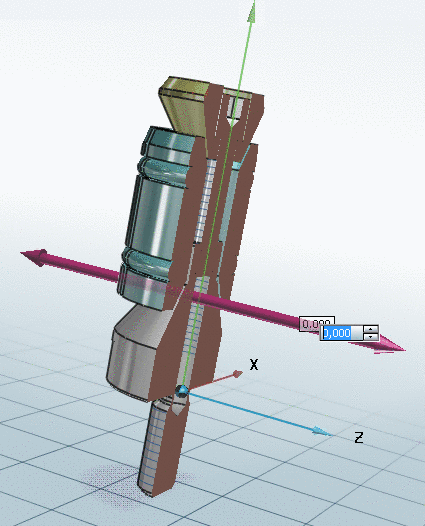
    • Click into the input field on the axis.

      -> The input field is opened. Insert the desired offset value or change the value with the little arrow keys.

    Sectional plane displayed

    Sectional plane displayed

    Input field for offset value opened

    Input field for offset value opened