

In the area attributes, it is now possible to display an overview of the area attributes used for the entire component.
Right-click on a free area next to the component > Area attributes [Face attributes] or click Overview in the docking window to access the list.
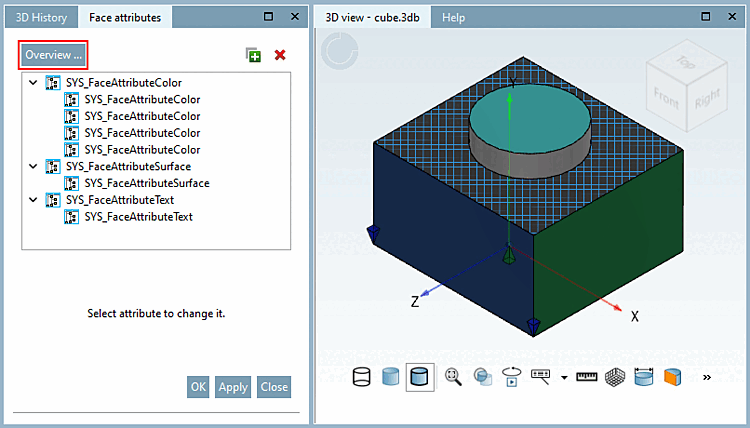
Here you can make changes to the individual areas or for the entire type of an attribute. Please note! Changes cannot be undone once you have clicked on or . You can also delete individual attributes or all attributes of a type. The deletion takes place immediately without a confirmation prompt.
You can also assign new area attributes in the overview. You can recognize the selected area by a blue border. Alternatively, you can also simply click on the desired area in the 3D view.
Find out more about the topic of area attributes in the chapter Section 7.7.1.4, “ Face attributes ” in eCATALOG 3Dfindit.