

To add products, click on the button
 Add product [Add Product].
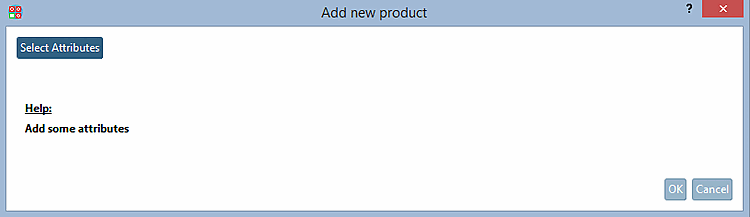
-> The Add new product dialog box opens.
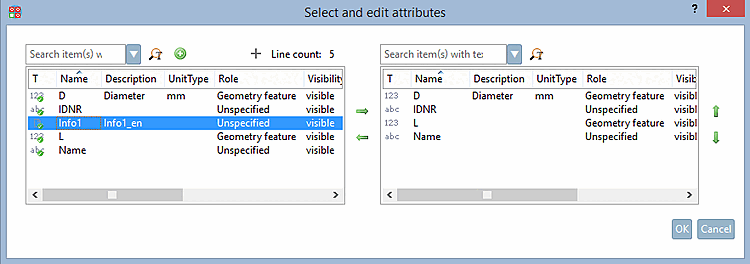
-> The Select and edit attributes dialog box opens.
Select the desired attribute and move it to the right side via green arrow key.
Before you can optionally add further attributes via green Plus button
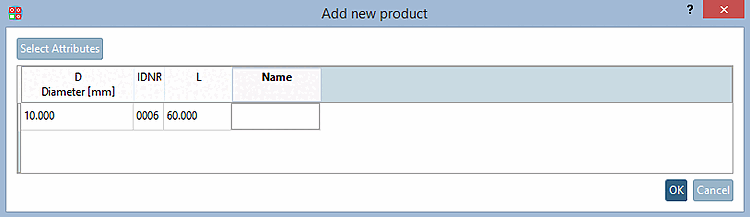
.Enter attribute values in the table.
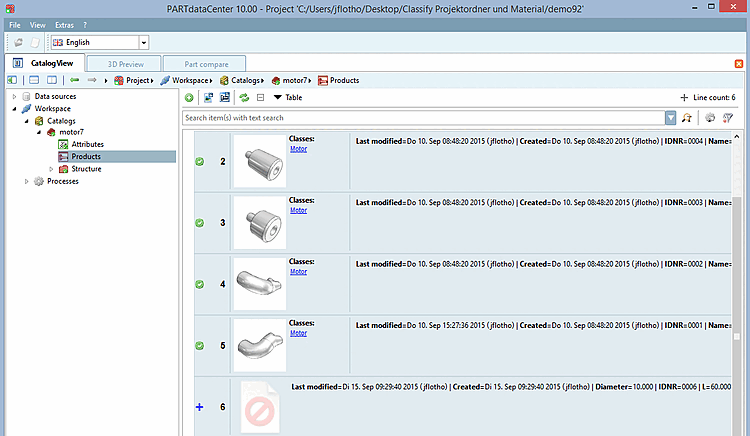
Click the Edit product documents [Edit documents in product] command in the context menu of the new product. See Section 1.3.5.3, “ Edit documents in product ”.
![[Note]](https://webapi.partcommunity.com/service/help/latest/pages/cn/partsolutions_user/doc/images/note.png)