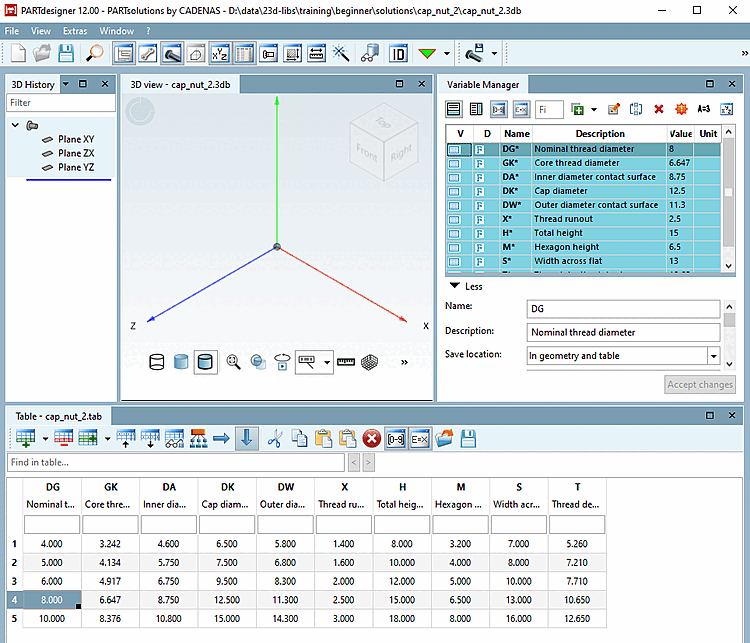
Now import further characteristic lines from the CSV file stored at ..\23d-libs\training\beginner\solutions\cap_nut\cap_nut_small.csv.
In the Explorer window, choose the desired CSV.
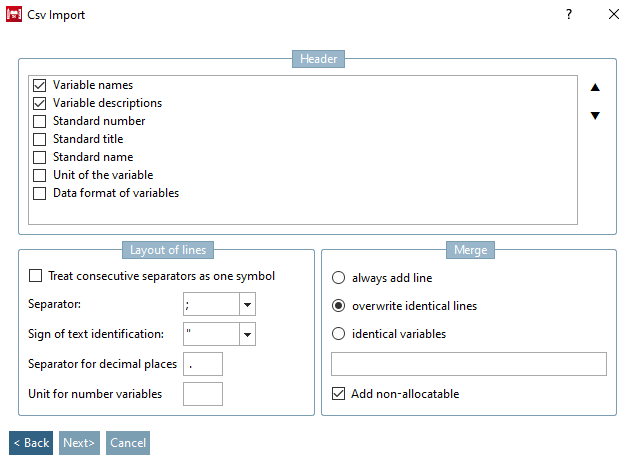
-> The Csv Import dialog box opens.
Activate the checkboxes Variable names and Variable descriptions under Header.
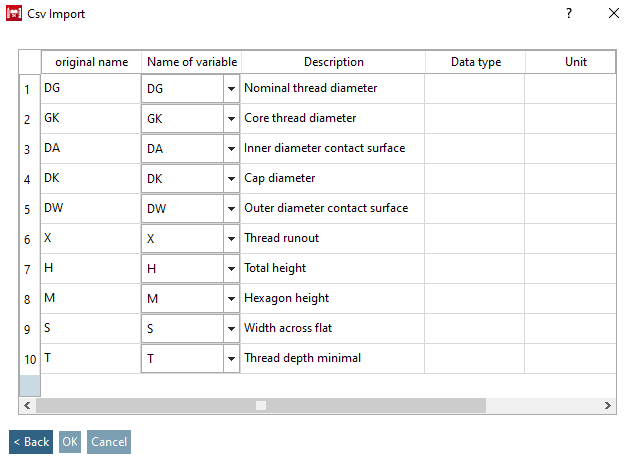
In the Variable name column, you can decide for each variable whether it should be ignored or mapped.
In the case in hand, the mapping shall be for the same variable name.