

When exporting in EPS 2D format, you have the following setting options on the EPS Drawing Options tab page:
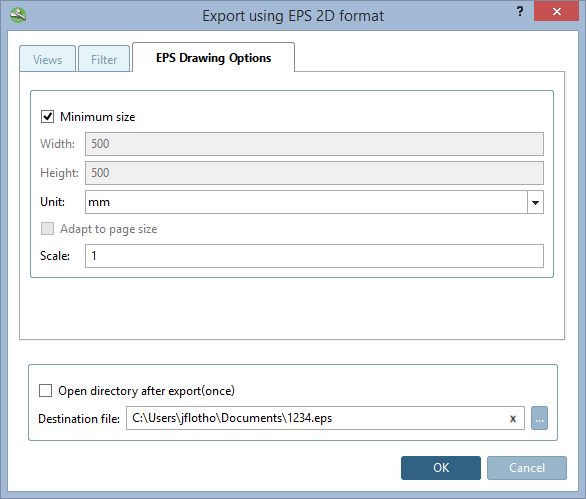
The page size adapts to the bounding box of the component. The input fields for width [Width], height [Height] and the Adjust to page size [Adapt to page size] option are therefore inactive.
Meaning, if for a mm part the unit inch is selected, the value becomes smaller; the opposite happens, if for an inch part the unit mm is selected.
Adjust to page size [Adapt to page size]:
The component adapts to the page size (the reverse of Minimum size )
Scaling [Scale]: 1 = 100% | smaller and larger values than 1 are possible