5.5. Login on
Supplier/OEM portals
How can
I log in on the portal?
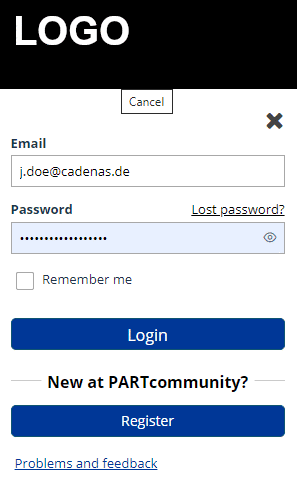
Top right, click
on Login.
➝ The Login
dialog is opened.
Enter your
E-Mail and Password and click on Login.
➝ Your email
address is displayed top right. You are logged in and can start now.
How can I log
out?
When clicking on the bar a list field with
a Logout button is
opened.