7.6.2. Listing of all possible features in the "3D history " docking window 7.6.2.10. Grp Pattern /
Pattern |  |
| Prev | Next |
Please regard the following notes when creating patterns:
With V12, in addition to manually created patterns, these can also be created in a simplified manner using a wizard. Previously, only the manual method was possible.
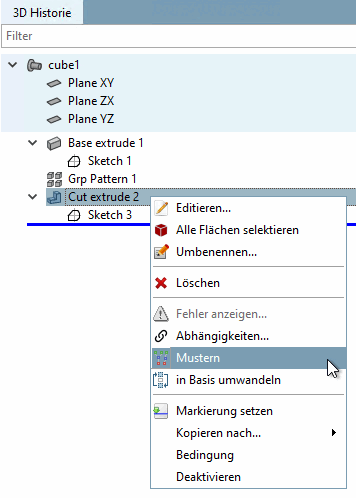
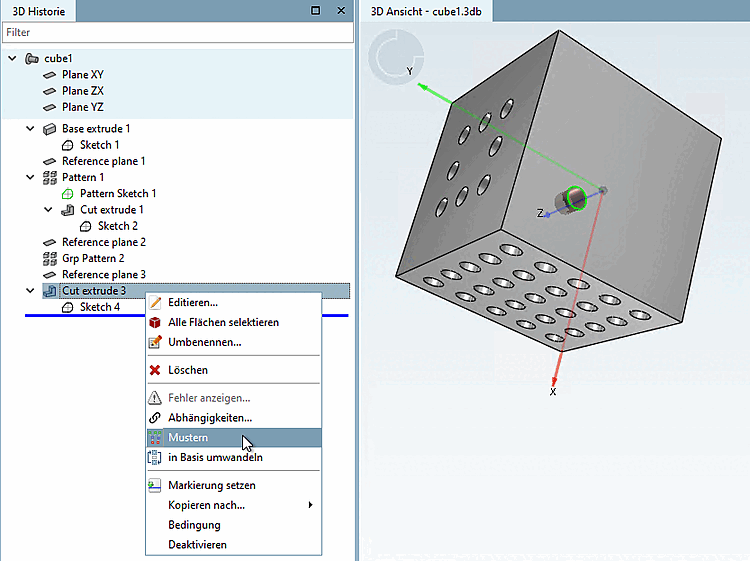
Call up the wizard using the context menu command Patterns [Apply pattern]. Details can be found at Section 7.6.2.10.1, “ Pattern wizard ”.
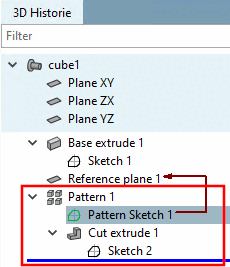
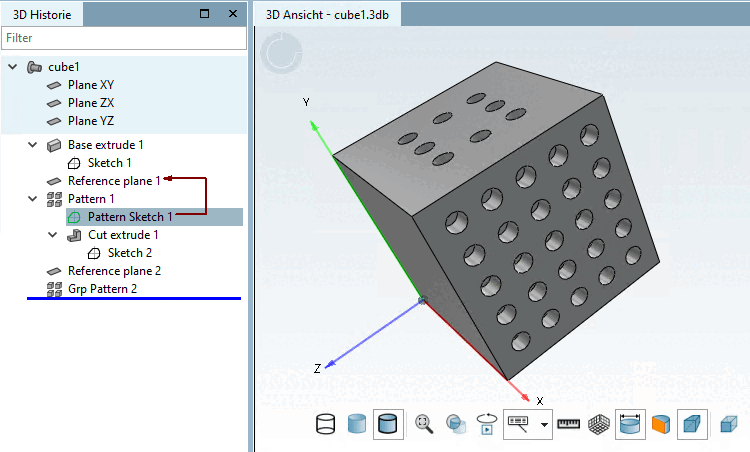
Features created with the wizard are labeled in the 3D history [3D History] with the term Grp Pattern, manually created features with the term Pattern.
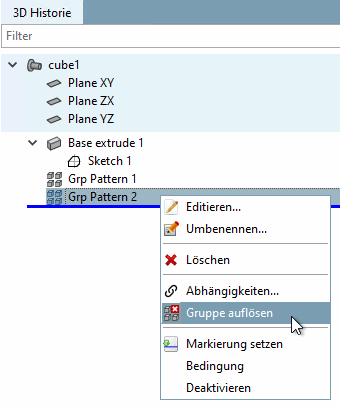
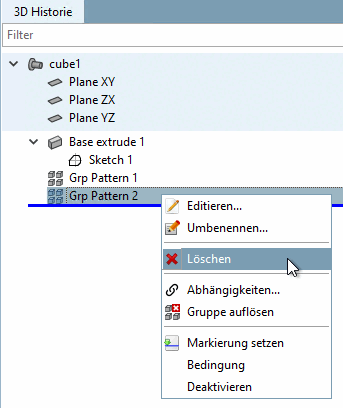
The pattern above "Pattern 1" has been created with the Wizard, then changed in a pattern for manual editing (in order to remove one element), the lateral pattern "Grp Pattern 2" has been created via Wizard.
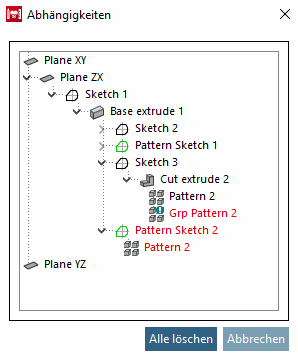
For patterns created using the wizard (Grp Pattern ), call up the wizard again using the Edit... context menu command. Manually created patterns can be edited using Edit... on the Pattern Sketch level.
You can use the context menu command Expand group [Dissolve group] to expand a design created with the wizard into a manual design, after which it can only be edited manually. There is no Undo to work with the wizard again. The design then behaves like a completely manually created design. This only makes sense if the design is to be manually changed to an irregular design (e.g. deletion of individual design elements). See Section 7.6.2.10.2.3, “Irregular patterns ”.
Manually created patterns can only be manually edited further on.
![Grp Pattern -> Edit [Edit...]..](https://webapi.partcommunity.com/service/help/latest/pages/cn/partsolutions_user/doc/resources/img/img_2eabe78bd1b44eb79d8ab5cfaa2b9b6e.png)
![Pattern Sketch -> Edit [Edit...]..](https://webapi.partcommunity.com/service/help/latest/pages/cn/partsolutions_user/doc/resources/img/img_8361283c28f948f780a6d7800282e5f9.png)