1.7.4.9.14.
Key
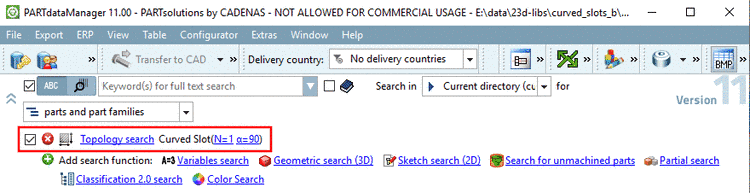
"TOP_OFFLINECD_MODE" - Search in / for show/hide
Do you want to hide
the setting options for Search in ... for ... ?
Open the
configuration file $CADENAS_USER/seamless.cfg in
the section SearchOptions.
Hide Search in list field:
TOP_SHOW_PATH_SELECTION=no
Hide for list field:
TOP_SHOW_VIEWMODE_BUTTON=no
-> Now only
the words "Search in for" are still visible.
Hide the words
"Search in for":
TOP_OFFLINECD_MODE=yes
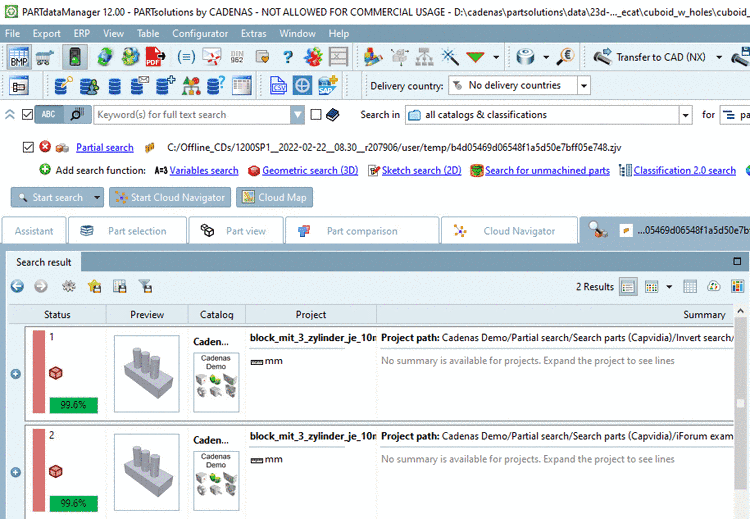
Result: