|
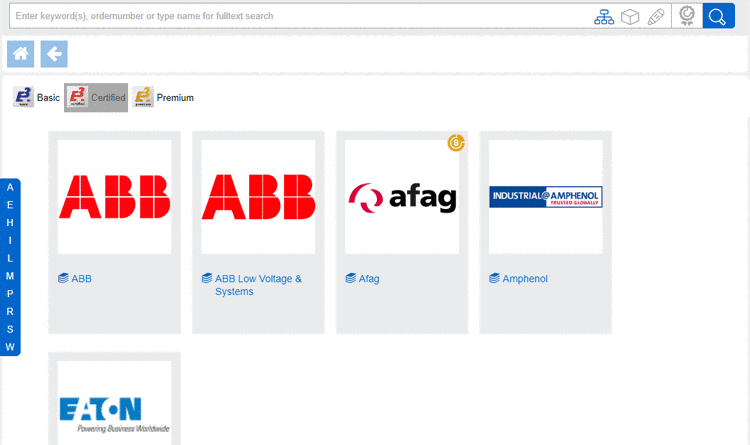
Select desired catalog or directory.
When selecting the Home directory, on the left, a selection option by first letter is displayed. When clicking on a letter the respective catalog area is shown. There, select the desired catalog. The bar is hidden after a few seconds, however when starting scrolling shown again.
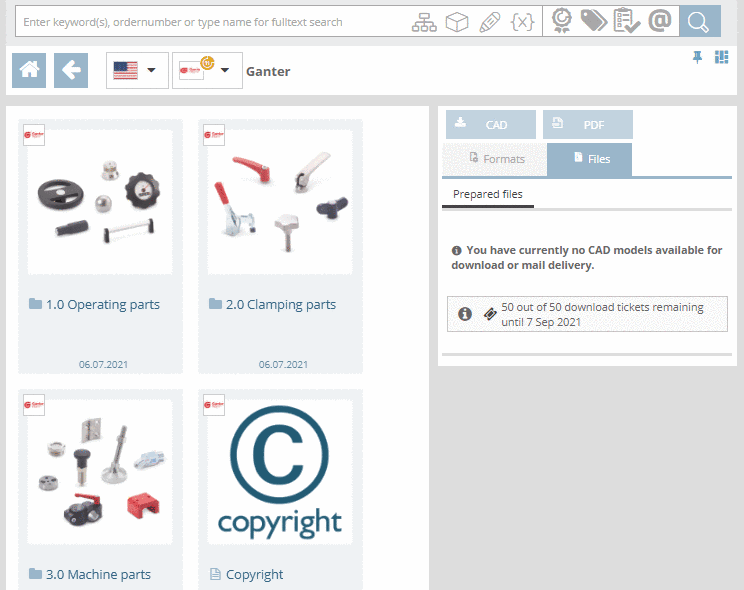
Select product groups as long as a concrete part
 or assembly
  is specified.
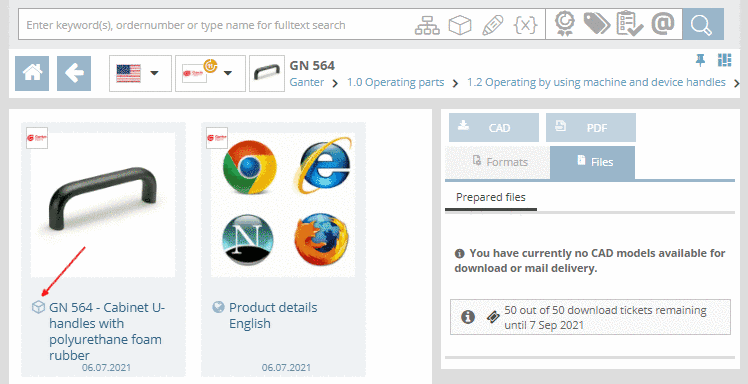
Once selecting the part
or assembly , the Table view is opened
(depending on portal possibly Variable view [table view
left out]).
![[Note]](https://webapi.partcommunity.com/service/help/latest/pages/cn/partsolutions_user/doc/images/note.png)


The TagCloud is displayed on all directory levels (depending on portal) and shows the most frequently used terms of selected product or directory. When clicking on a term, a search is directly started and the results are listed. The font size is in relation to the frequency of terms.