
1.1.1.3.2. PARTproject 1.1.1.3.2.14.
Batch run classification with templates: Transferring classifications to hidden projects |  |
| Prev | Next |
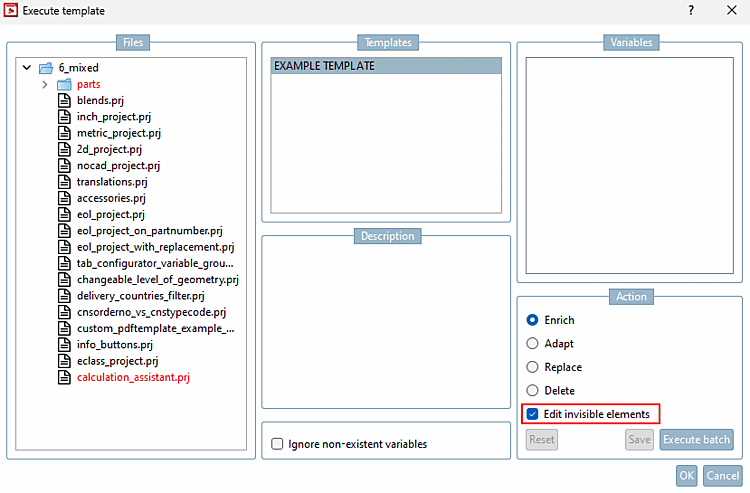
Previously, it was not possible to transfer classifications only to visible elements during the batch run classification with templates [Batch run classification with templates]. With the new Edit invisible elements option, you can decide whether classifications are transferred to all or only visible projects.
Right-click on a directory > Automation > Batch run classification with templates to open the Execute template dialog box. The setting is activated by default, but you can remove the check mark if required.
Find out more about the function in the Section 5.12.9, “Classifying: Use of templates and plugins” in eCATALOG 3Dfindit chapter.