

You can use favourites to organize entire catalogs, sections of a catalog, individual components or table rows in different lists so that you can quickly access your individually compiled projects later via these lists.
To mark an element as a favorite, proceed as follows:
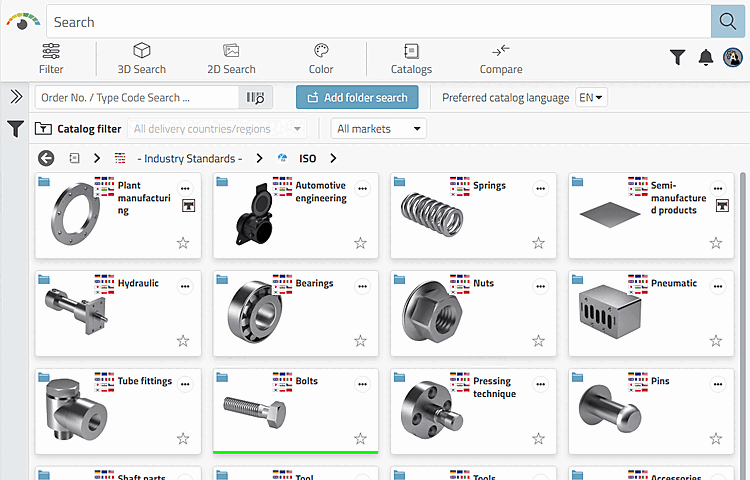
Click at any level (catalog, directory, part family, or Table row) to the desired unfilled star
 .
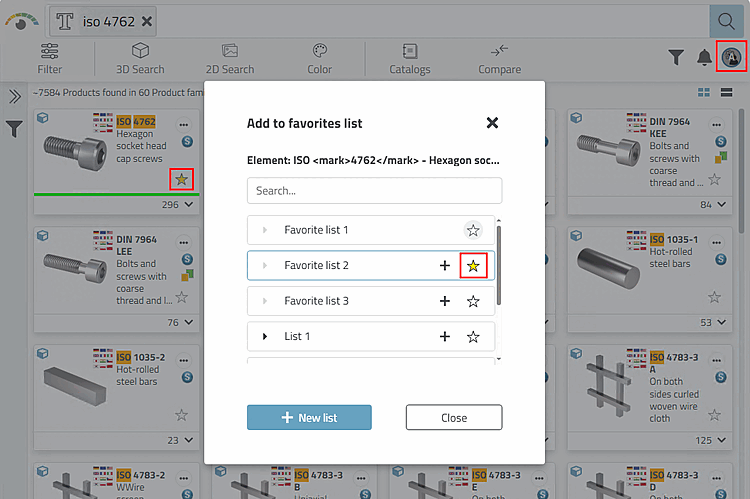
.Select the desired list (or several lists if necessary).
-> The star symbol is now highlighted in yellow.
-> The desired element is now added to the favorites list.
Here, for example, the ISO 4762 parts family has been marked as a favorite and assigned to the "Favorite list 2".

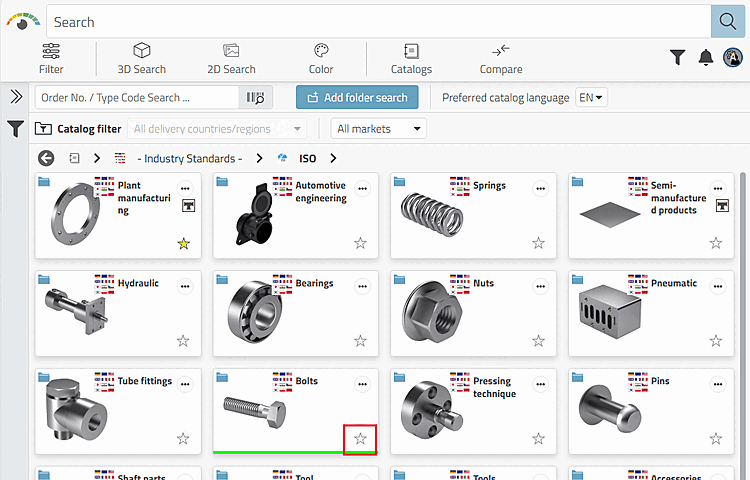
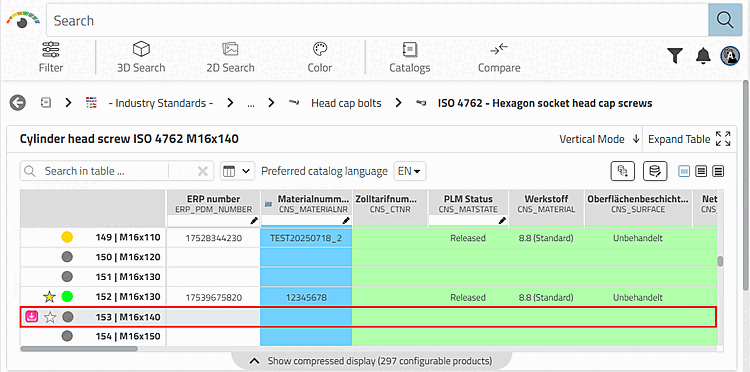
To use favorites that have already been set, proceed as follows:
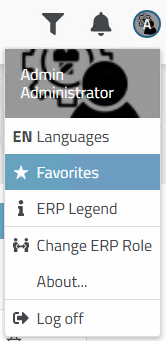
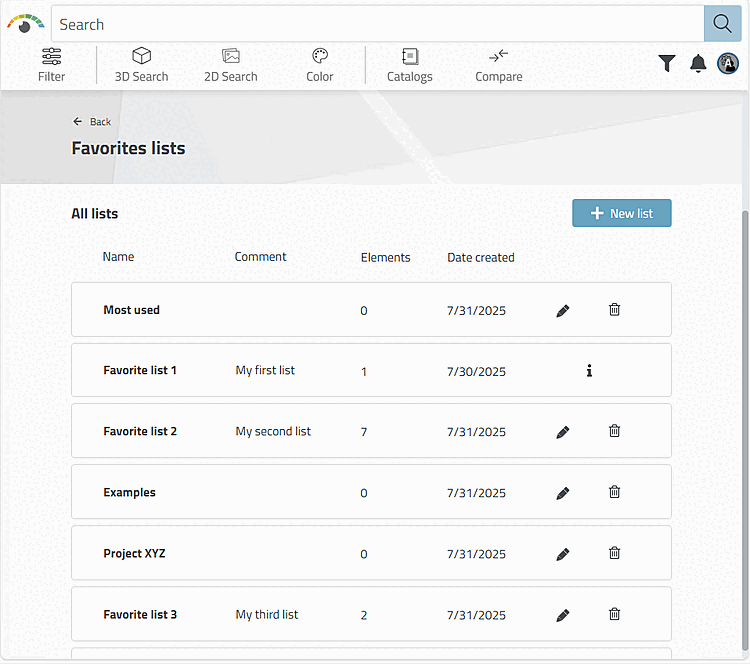
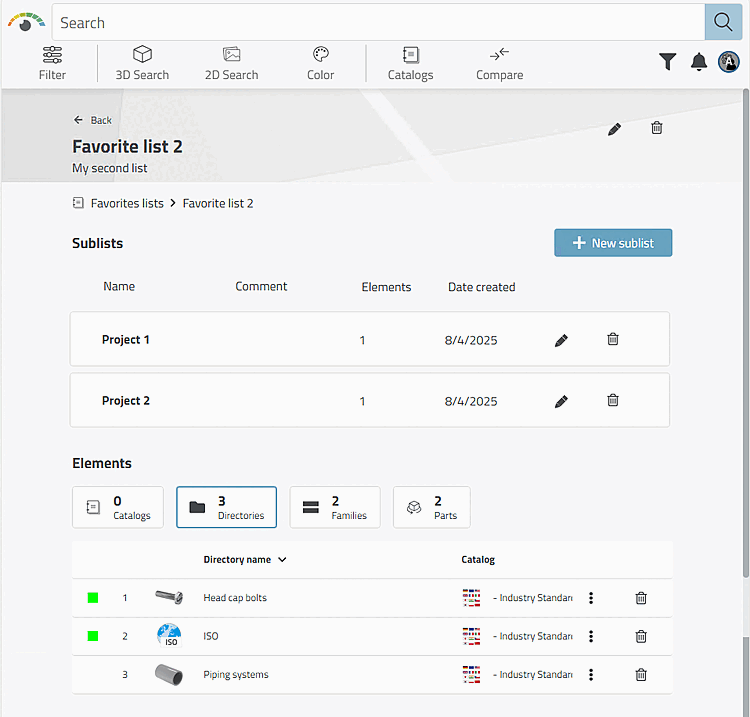
Create, view, edit and organize favourites lists:
If you want to create, view, edit or organize your favourites lists in a specific structure, proceed as follows:
Detailed user information on favorites can be found under Section 8.2, “ Favorites ” in ENTERPRISE 3Dfindit - User.
For information on the administrative setup of favorites, see Section 1.8.5, “3Dfindit - Favorites configuration ” in ENTERPRISE 3Dfindit (Professional) - Administration.