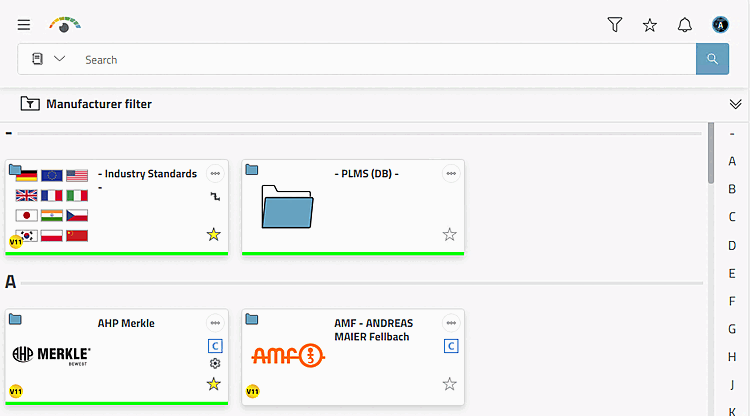
When 3Dfindit is opened, all catalogs are displayed in the standard view.
A letter bar is displayed on the right. By clicking on a letter, the catalog selection jumps to the corresponding area. Select the desired catalog and then set any additional filters.
With
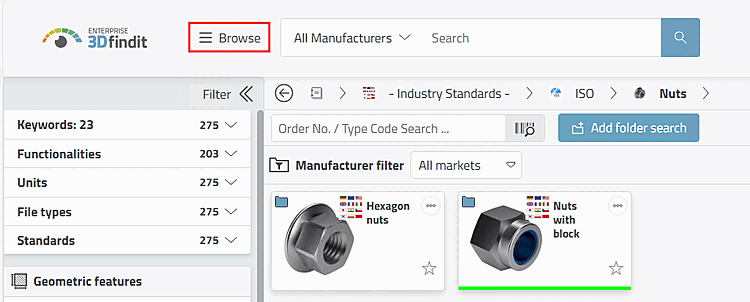
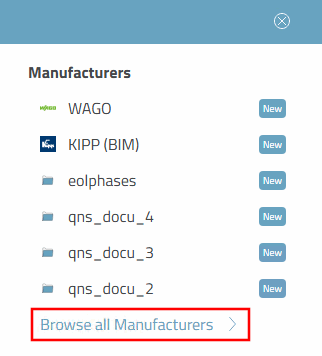
Click on  Browse or on
icon alone in a zoomed-out view and then click the button
you get
at any time in the catalogue selection.
Browse or on
icon alone in a zoomed-out view and then click the button
you get
at any time in the catalogue selection.
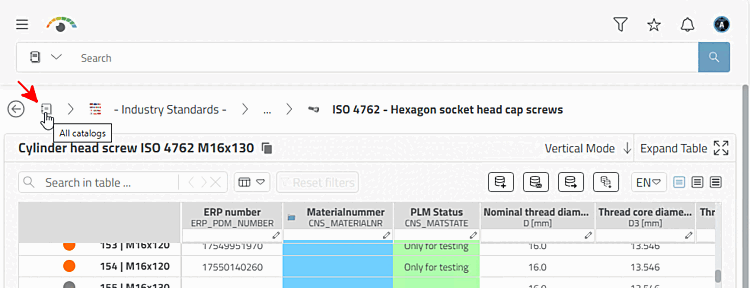
 By clicking on the All Catalogs [All catalogs] icon in the line of the
navigation path also takes you to the catalog view.
By clicking on the All Catalogs [All catalogs] icon in the line of the
navigation path also takes you to the catalog view.