

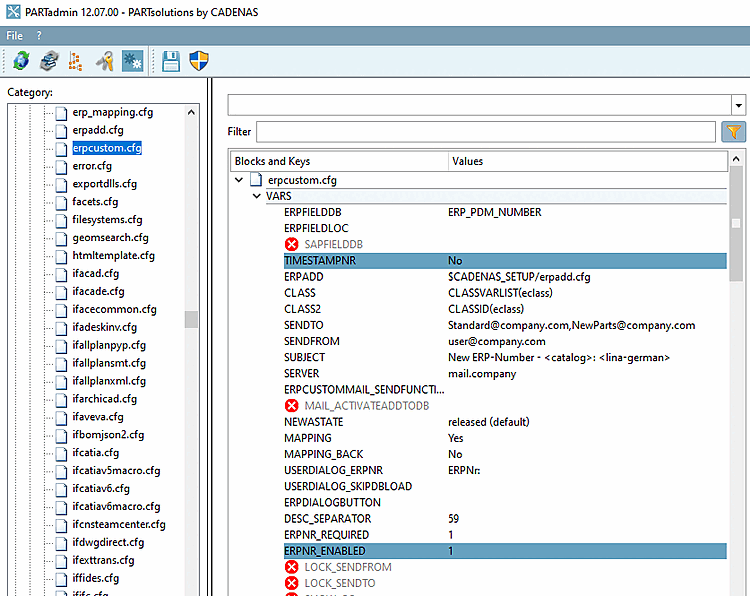
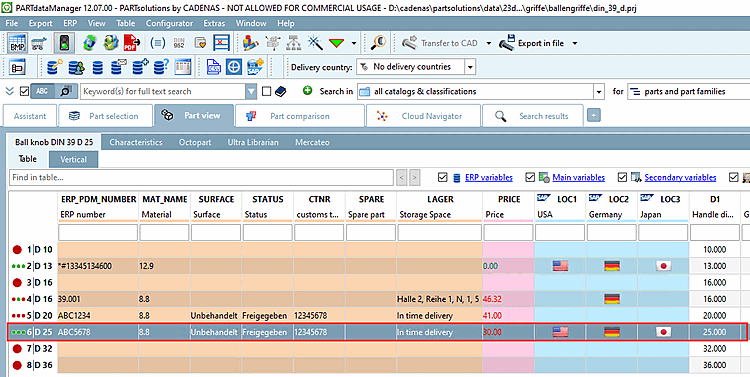
Select in PARTdataManager in the parts view, select a line without ERP_PDM_NUMBER and click on Add data record to link database [Add dataset to link database]
 .
.
-> The New Ident Number [new ident-no.] dialog box opens and the ERP No. [ERPNo] input field is active.
![New Ident Number [new ident-no.] dialog box](https://webapi.partcommunity.com/service/help/latest/pages/cn/partsolutions_user/doc/resources/img/img_33ae3f342c5542fcb3cc79de7eae2b16.png)
Enter the desired number under ERPNo. [ERPNo]
Fill in the remaining active fields and confirm with .
-> The dataset is displayed with the desired ERP_PDM_NUMBER.
![[Note]](https://webapi.partcommunity.com/service/help/latest/pages/cn/partsolutions_user/doc/images/note.png)