
1.1.1.3.1. PARTdesigner 1.1.1.3.1.4. Dialog "Assignment of value range variables": Icon for data type / automatic setting / notes on errors |  |
| Prev | Next |
There are some new features in the Value range assignments dialog:
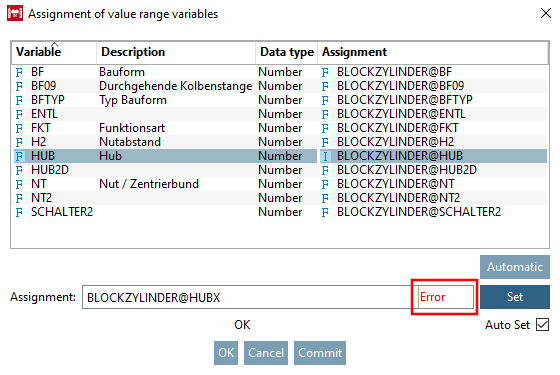
Error display in the input field: e.g. if the field is empty or a non-existent variable has been used.
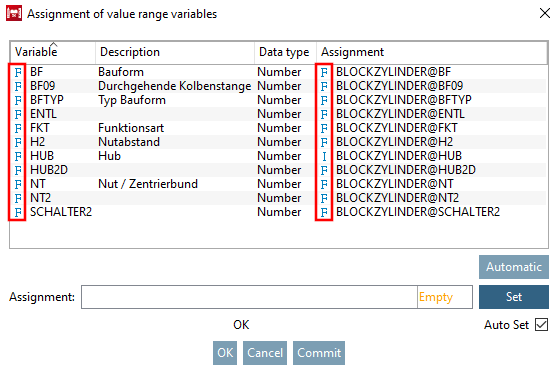
In the Assignment of value range variables dialog box, the data type is now displayed in the form of an icon in the Variables and Assignments columns.
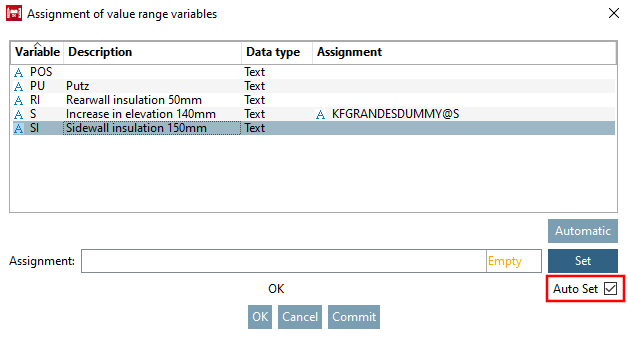
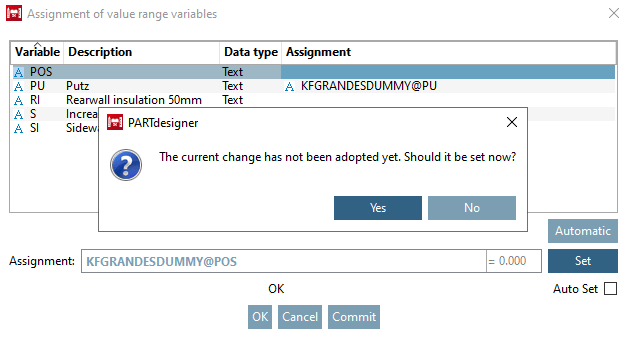
If Auto Set isdeactivated and you click or , an error message appears if you forgot to click after an entry.


![[Note]](https://webapi.partcommunity.com/service/help/latest/pages/cn/partsolutions_user/doc/images/note.png)
Details can be found under Section 7.13.5.5, “ " Value range assignments" context menu ” in eCATALOG 3Dfindit" Section 7.13.5.5, “ " Value range assignments" context menu ” in eCATALOG 3Dfindit.