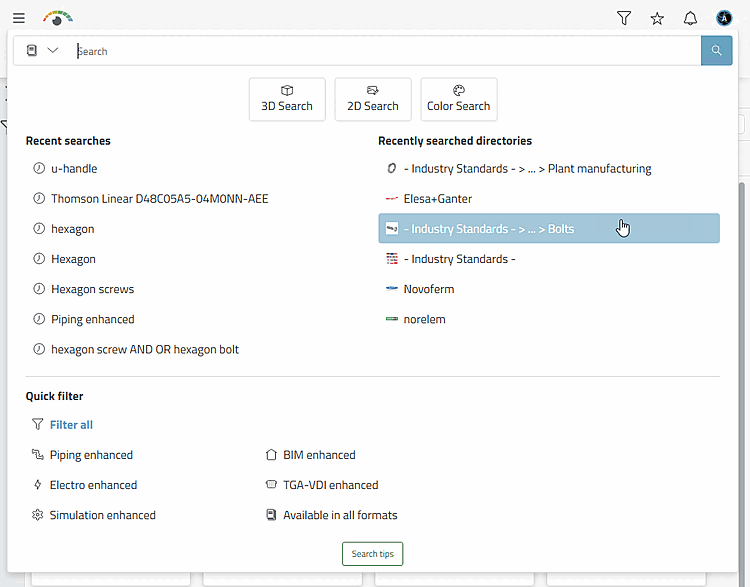
The button is displayed at directory level. If you are in a directory that has already been added, the button is displayed.
![Add directory search" [Add folder search] button](https://webapi.partcommunity.com/service/help/latest/pages/cn/partsolutions_user/doc/resources/img/img_62302d3d0d4646d49f1bb8737be2f1e4.png)
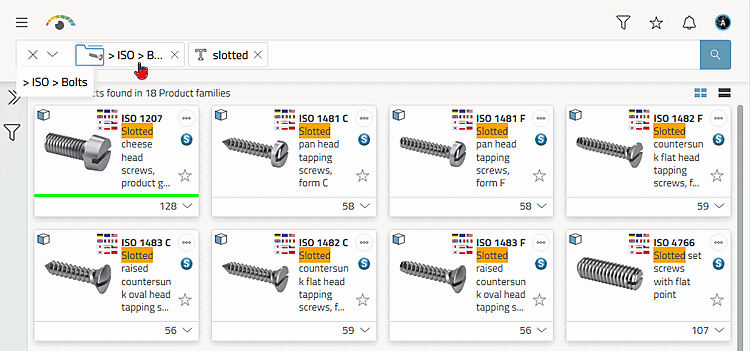
Click on the button to enter the selected directory as a filter for the directory to be searched in the search bar. If necessary, enter any other search terms or use other search methods. Then start the search.
-> The search results are displayed.
The selected directory is entered under Recently searched directories so that you can use it as a filter for new searches at any time.