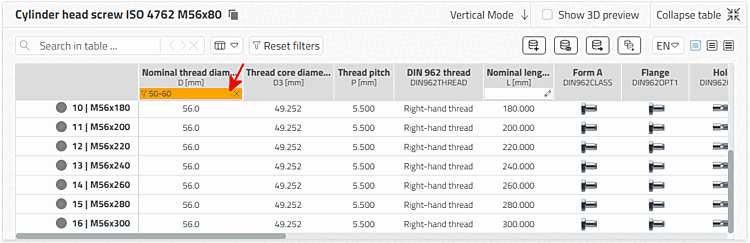
Input fields for filtering are displayed in the header of each table column. Insert the filter in one or more columns. With just a few entries, you will immediately receive the relevant rows.
Collapse by clicking on the pencil icon
 the list box and select the desired
value or make a manual entry.
the list box and select the desired
value or make a manual entry.
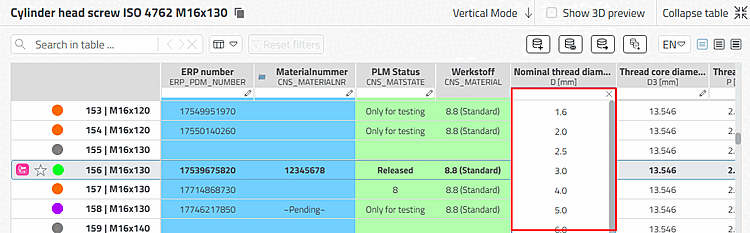
You can use the following syntax in the column header to filter the table: