公司介绍及合作相关信息
不能错过任何消息! 及时通报所有新闻和事件
针对我们的产品和解决方案提供技术支持
通过公共媒体渠道访问我们
填写联系表格或联络当地公司
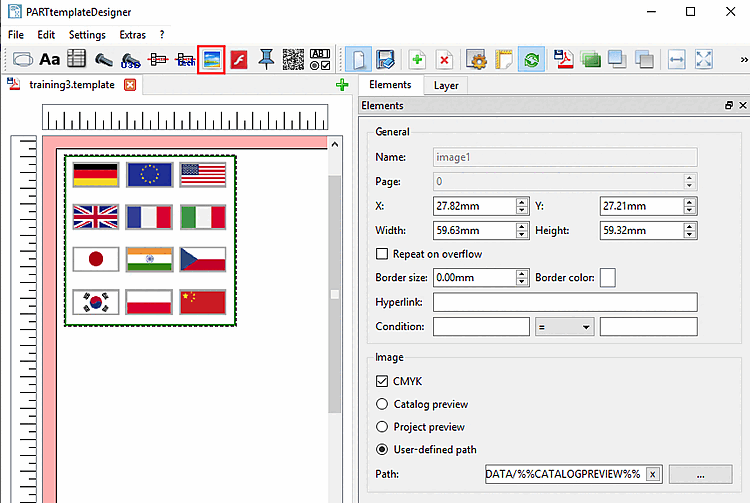
In this section you can find details on the setting options of Image .
General: See Section 10.4.2, “General settings”.
Image:
CMYK:
Mask transparency:
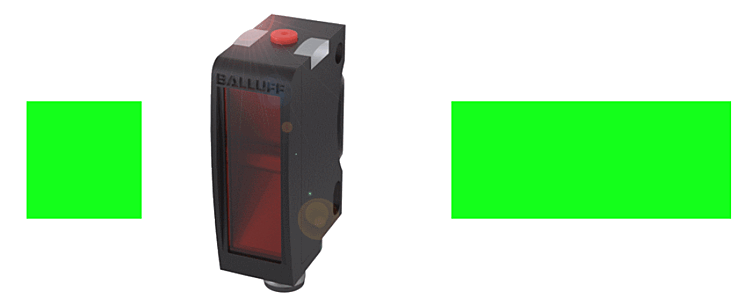
Result in datasheet with enabled option
Result in datasheet with disabled option
Catalog preview:
Project preview:
User-defined path:
Directory:
After dragging out the image area with the cursor, for a start the standard catalog bmp-image is loaded by default.
You can set the path to the desired image via search button ....
Allowed image formats are PNG, JPG, TIFF and BMP.
(Images can also be inserted via clipboard.)