
 |
Reports are
marked by a specific icon  :
:
When moving the mouse over the icon, a tooltip showing available reports is displayed.
![[Note]](https://webapi.partcommunity.com/service/help/latest/pages/cn/partsolutions_user/doc/images/note.png)
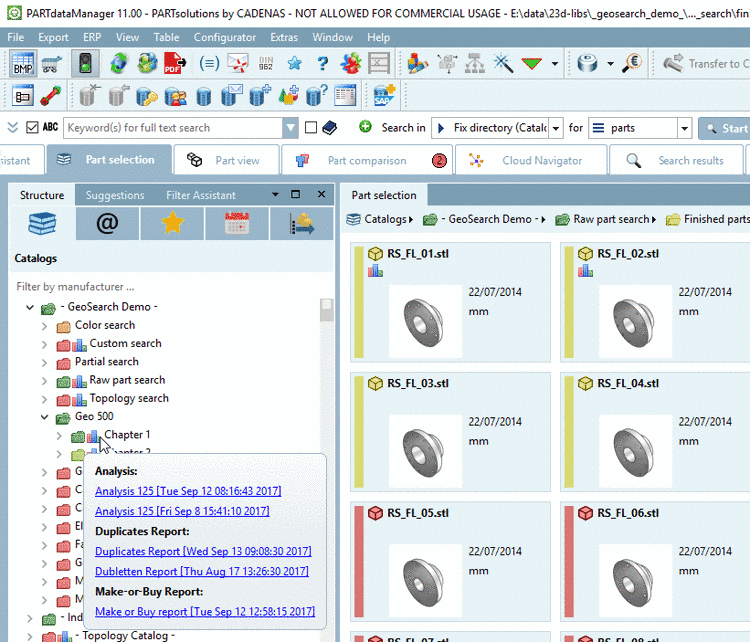
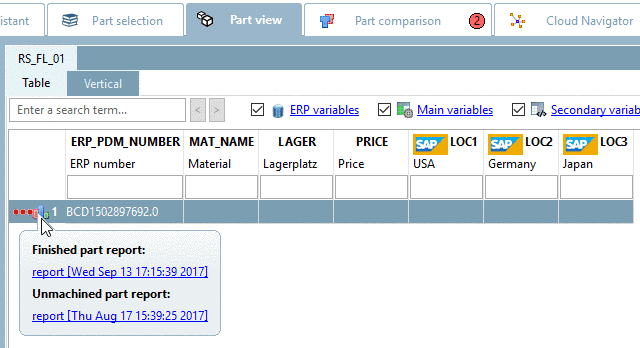
By clicking on the icon, the respective report opens. If several reports are available, then a dialog box with selection options for the desired report opens (see Section 3.1.13.4.3, “ Report management... - Call up created reports later ”).