First, before beginning the training, have a look on the finished cap nut. During the modelling you can always compare there.
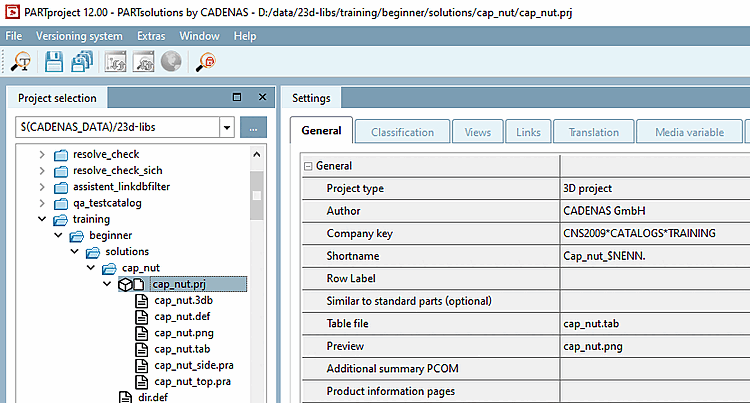
-> In PARTproject under Project selection, you will find the training catalog with the subfolder beginner/solutions/cap_nut in the directory tree.
If you select the file cap_nut.prj, you have access to all setting options via the tab pages on the right under Settings.
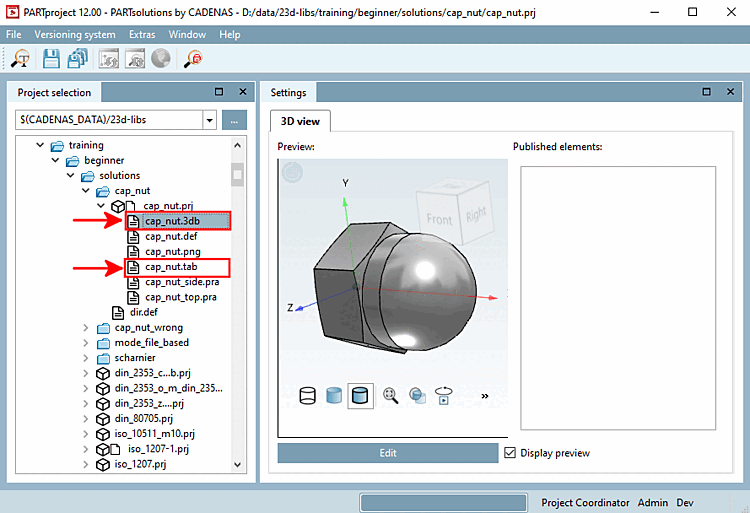
If you select the file cap_nut.3db or cap_nut.tab and click on
PARTdesigner. There you can view the table structure and the internal structure of the 3D view.
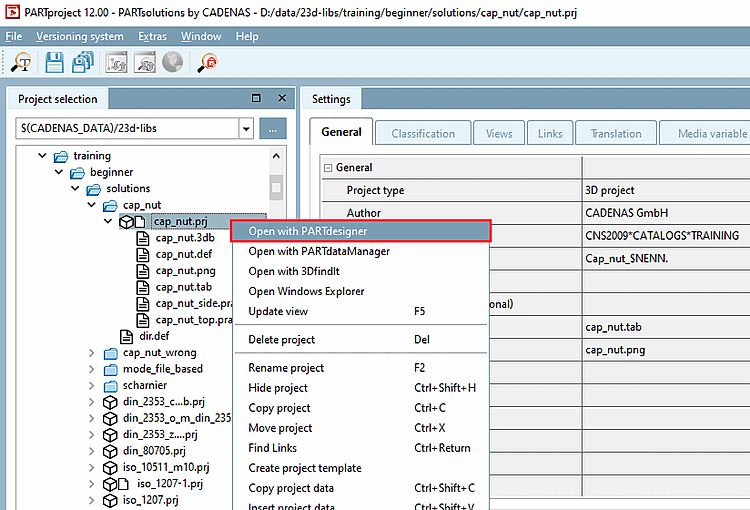
Alternatively, you can PARTdesigner if you select the file cap_nut.prj and then click on the context menu command Open with PARTdesigner .