
6.10.2.3. User interface:
Reference of icons and functions in detail 6.10.2.3.2.
Map resolved value ranges
|  |
| Prev | Next |
With the function  Assign resolved value ranges [Map resolved value ranges] function to create a list of all value combinations.
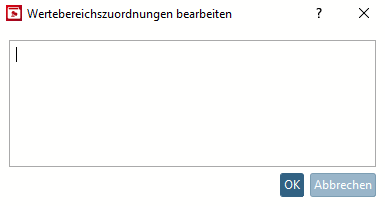
If you click on the button, an empty Edit value range assignments [Edit value range mappings] dialog box opens.
In order for the assignments to be displayed in the dialog box, you must first call up the context menu command on a desired row or the button above the table in order to create the assignments for all rows.
![Context menu command "Assign resolved value ranges for this row [Map resolved value ranges of this line] "Assign resolved value ranges for this row](https://webapi.partcommunity.com/service/help/latest/pages/cn/partsolutions_user/doc/resources/img/img_8a2a3e767687405eb9e903424b808a1b.png)
Context menu command "Assign resolved value ranges for this row [Map resolved value ranges of this line] "
!["Edit value range assignments [Edit value range mappings] " dialog](https://webapi.partcommunity.com/service/help/latest/pages/cn/partsolutions_user/doc/resources/img/img_21cf1cf9b7184c18bf427d080ef21329.png)
You can find an example on how to work with this function under Section 6.10.2.4.11, “Resolved value range”.