

Catalog or project information is displayed by default on the Part selection tab page in the Details docking window.
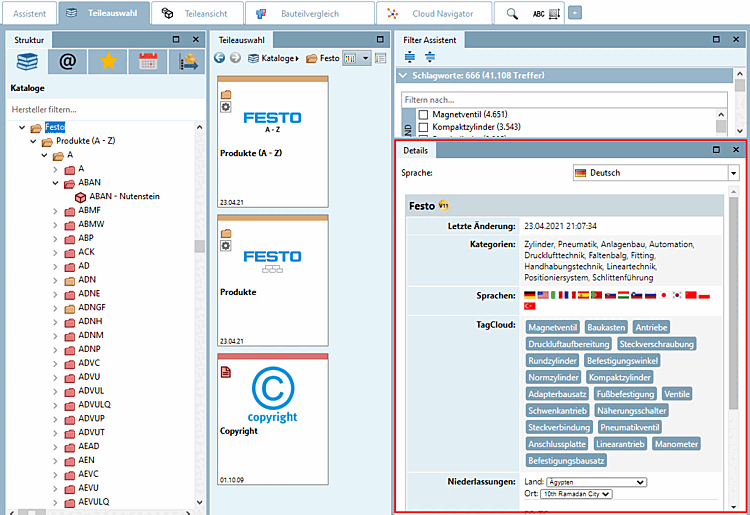
On catalog and directory level, general catalog information is displayed:
The TagCloud is displayed on all levels.
The TagCloud shows the most frequently occurring terms for the selected project or directory. Clicking on a term executes a full-text search. If an ERP integration exists, the link database is also searched.
By default the first 20 terms of the TagCloud with at least 3 characters are displayed.[72]
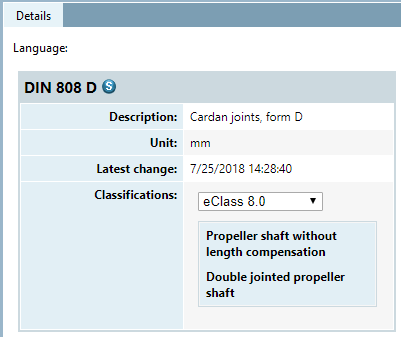
[72] Can be set via configuration file. See Section 1.7.3.7.7, “ Block [InfoPane] - TagCloud ” in ENTERPRISE 3Dfindit (Professional) - Administration.