
 |
If parts from electronic product catalogs are required for Simulationen in CAM- oder mechatronischen Systemen there are several specific values that have to be added to the models in order to provide the catalog with an already supplier-pre-defined physical and kinematical information.
The advantage is that the parts are “ready for use” directly without researching the often complex specifications from the manual.
The respective information is entered in the following way:
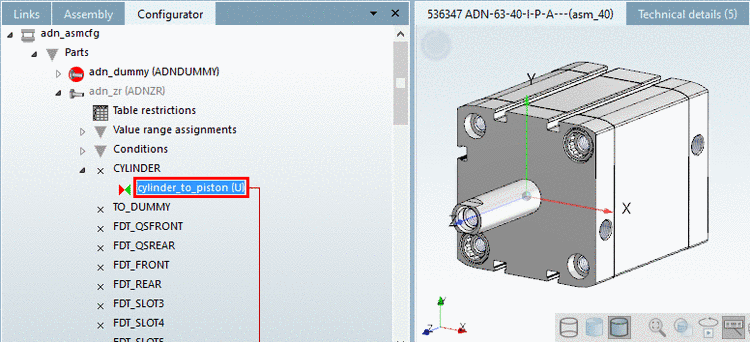
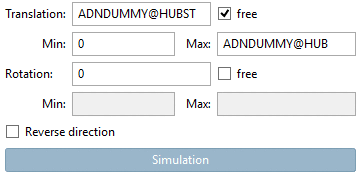
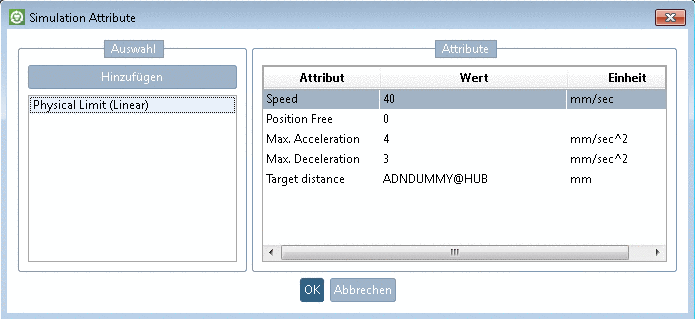
Now the part is ready for a simulation.
Currently simulations prepared in this way are supported by NX, Mechatronic Concept Designer.
More details can be found under Section 3.6, “Simulation” in eCATALOGsolutions Manual.