2.1.16.6.2.
Part view context menu commands
2.1.16.6.2.4. Context menu commands in the "Technical specifications " docking window |  |
| Prev | Next |
![Context menu: Individual part [Single part] - Technical data [Technical details]](https://webapi.partcommunity.com/service/help/latest/pages/cn/partwarehouse/doc/resources/img/img_2c458b6f942742a9b995afa45ee67fbc.png)
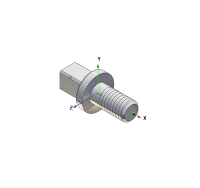
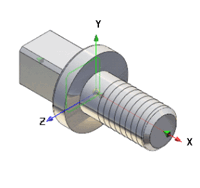
With Snap all [Zoom all], you can bring the display of the component to a balanced size. The component is visible large enough, but does not protrude beyond the 3D view window when rotated. If the Exact zoom [Explicit zoom] option option is set (see Section 1.3.5.4.1, “ Operation ” in ENTERPRISE 3Dfindit (Professional) - Administration ), the display within the window is enlarged to the maximum.
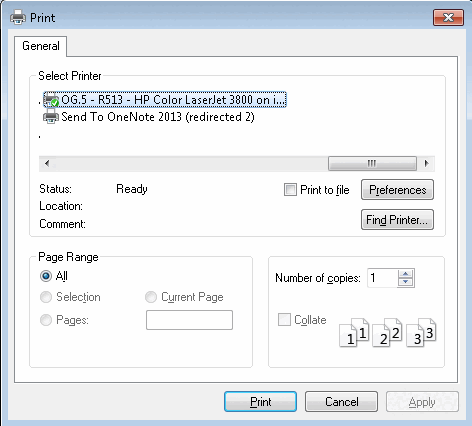
You have the option of creating a printout of the 3D view of the component/assembly.
When clicking on the command the respective settings dialog box of your operation system opens.