|
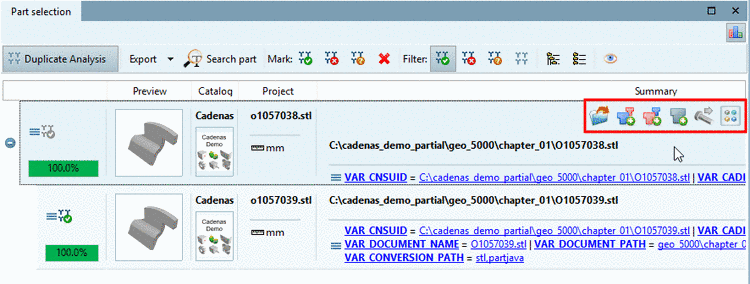
With V11, when performing a duplicate analysis you can mark suggested duplicates.


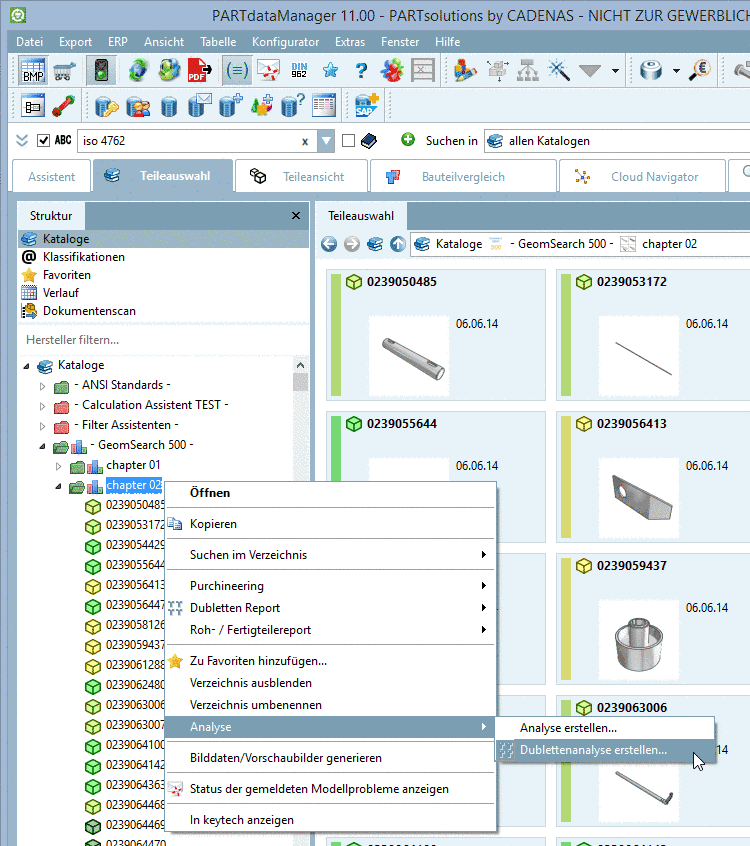
In order to create a duplicate analysis proceed as follows:
In the "Structure" dialog area, click on Analysis -> Create duplicate analysis....
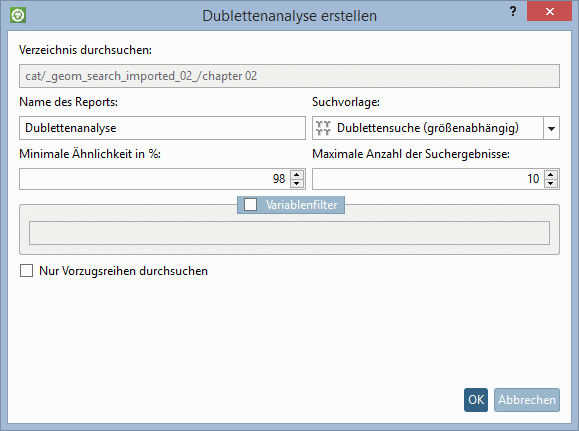
Search template: Normally you can leave the option Duplicate search (size-dependent).
Minimum similarity in %: Enter the most minimal tolerated similarity.
Maximum number of search result: Here you can restrict the displayed results. This does not effect the search itself.
Here you can specify variables which then are shown in the report in addition. They show up at each part.
Search only in preferred rows:
Only those rows are searched which are displayed with active "Preferred rows" filter
 .
.
Finally confirm with a click on .
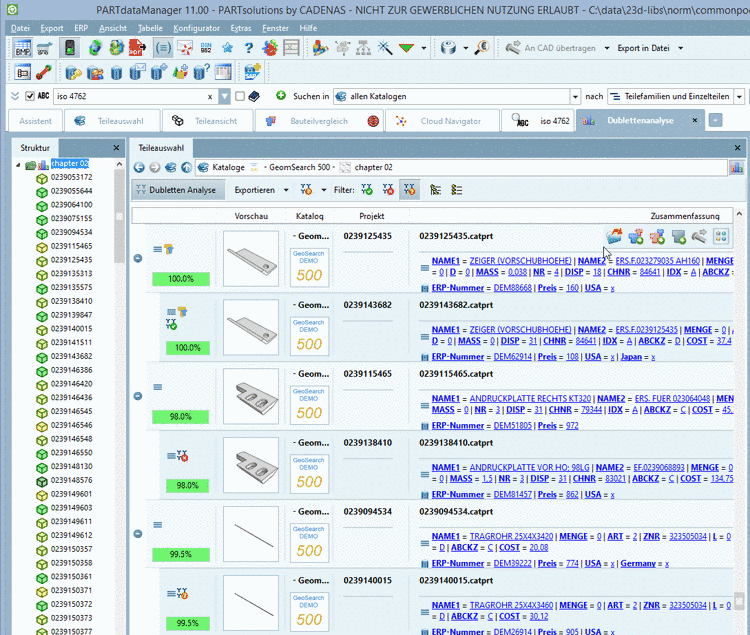
-> The results are displayed on the tabbed page Duplicate analysis.
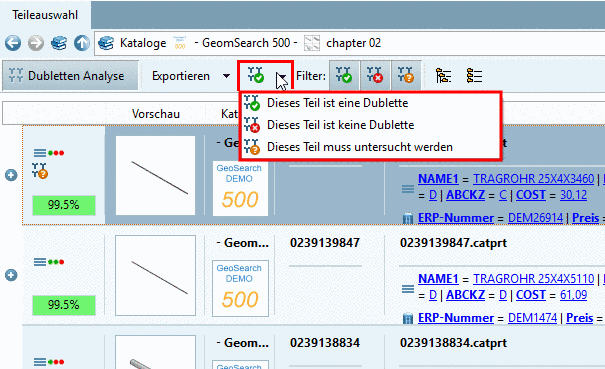
Mark the desired duplicate suggestions.
You can find the single commands in the list field.
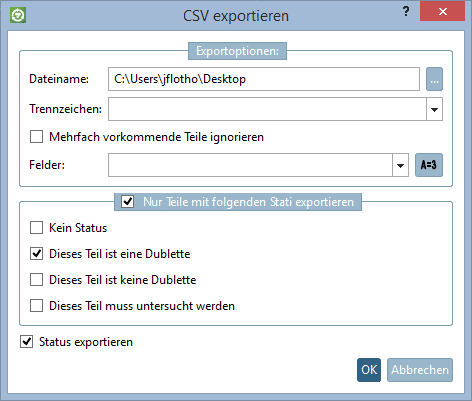
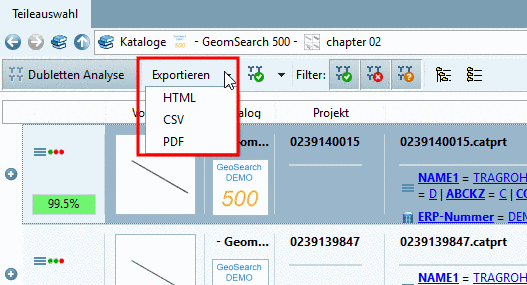
Optionally you can export search results in the form of a report.
In the list field under Export, you can find the following formats:
With a mouseover at a main line the button Compare with all search results
 is displayed.
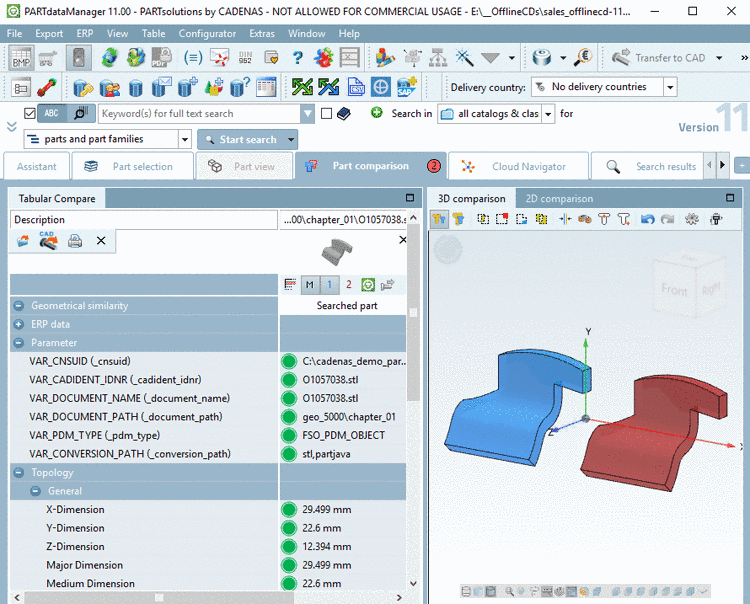
When clicking on the button, the search part and all result parts underlying are loaded into the comparison.
![[Note]](https://webapi.partcommunity.com/service/help/latest/pages/cn/partwarehouse/doc/images/note.png)