
 |
Above each table column you can find a symbol to change the sorting order:


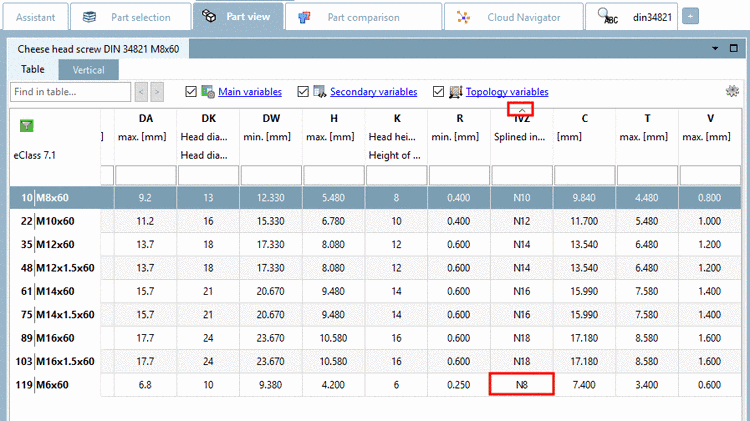
May be, when using a mixture of number and text, the sort order is not as desired. Now you can determine the sort mode by yourself under Extras menu -> Settings... -> Table -> Sort digits as numbers:
For the sorting the value of the total number is considered, so that a natural sort happens.
The whole string is taken as text and so the leading number has higher priority than the total numerical value. See following figure.