1.6.2.
Insert from the standard and purchased parts library via "PARTdataManager" 1.6.2.5.
Insert model - Pattern recognition
|  |
| Prev | Next |
If there are patterns in the placement section, these are recognized and a corresponding dialog appears.
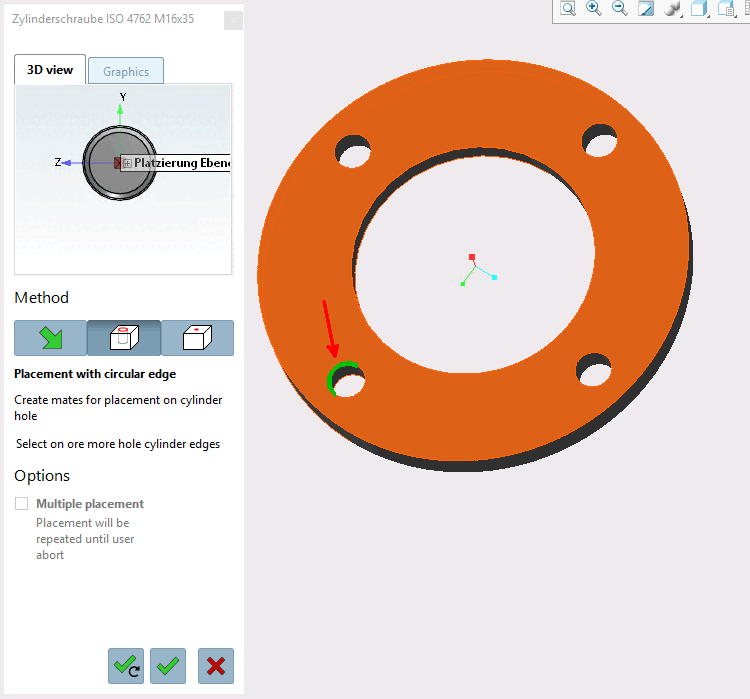
Initial situation: After you have transferred the placement part to the CAD system using Transfer to CAD
 the view switches back to CAD and the placement dialog opens.
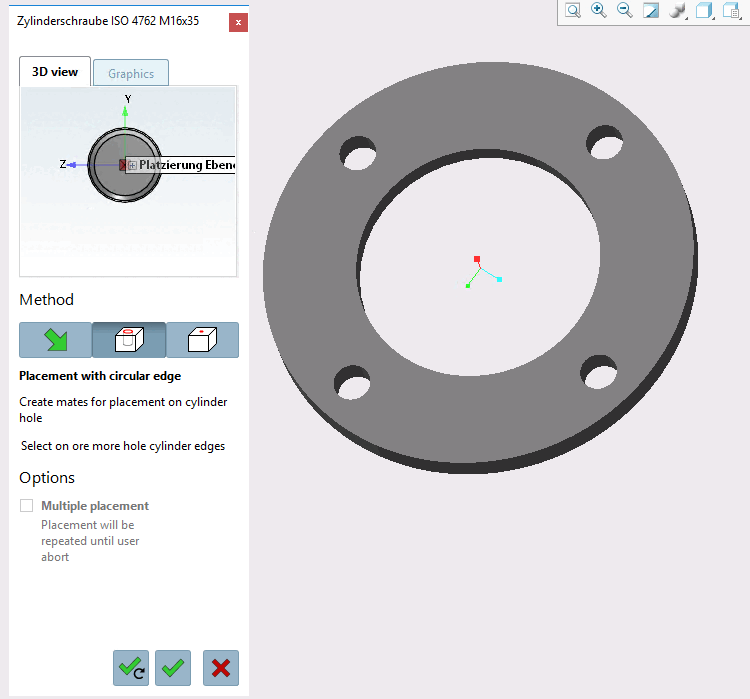
Click on the Place multiple button
 (dialog remains open at the end) or Place once
 .
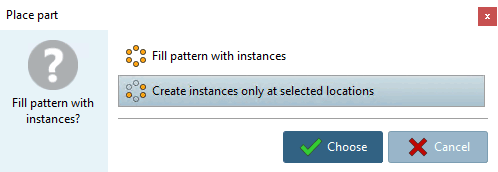
.-> The Place component [Place part] dialog box appears with the query "Would you like to fill the design with instances? "
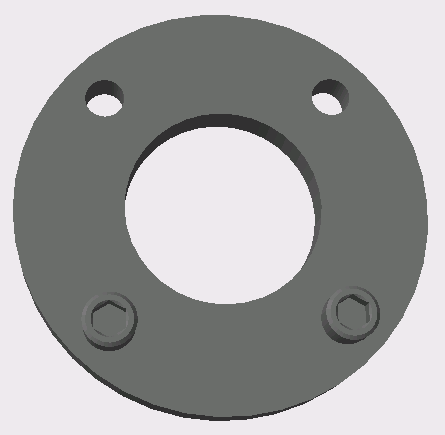
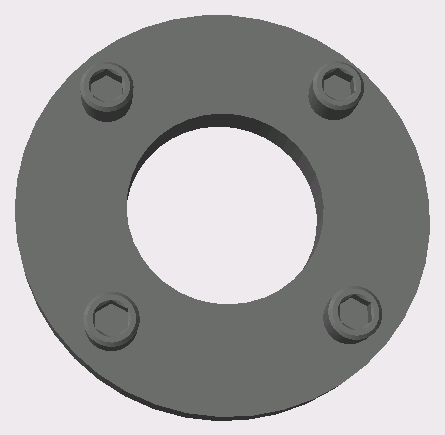
-> The desired instances will be placed.
If necessary, close the 3Dfindit Close the placement dialog using the dialog [Close dialog]
 .
.