

Optionally you have the possibility to connect the current computer with a license server and to get a license from there.
To do this, activate the Use license server [Using the License Server] checkbox. When the box is checked, the network is automatically searched for available license servers and the Select license server... dialog box opens.
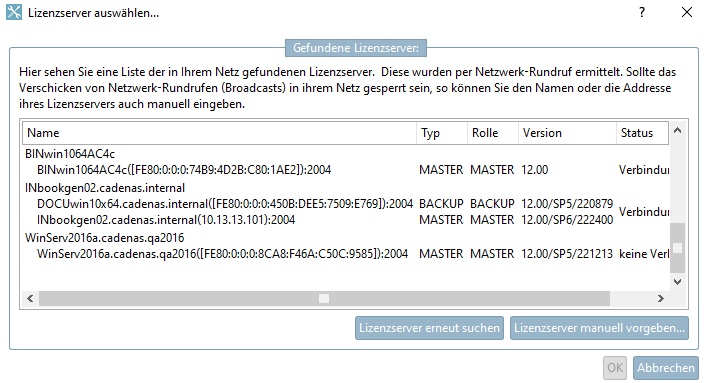
Select the desired license server (MASTER or MASTER/BACKUP group) and confirm with .
-> The selection is entered in the Floating dialog area (see above).
!["Use license server [Using the License Server] " option activated](https://webapi.partcommunity.com/service/help/latest/pages/cn/partwarehouse/doc/resources/img/img_4da0e39f89474a04a45415c9ae9335da.png)
![[Note]](https://webapi.partcommunity.com/service/help/latest/pages/cn/partwarehouse/doc/images/note.png) | Note |
|---|---|
License server administration takes place in the License server category. See also Section 1.5.4, “ Administering the license server ”. | |