5.17.3.2.2. Catalog
update - Download
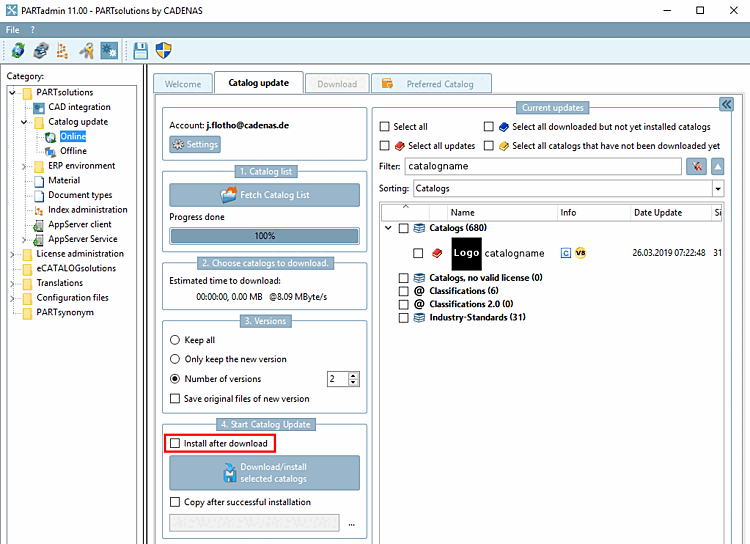
By default, a catalog update is made available to you via PARTadmin -> Category Catalog update -> Online. If you have the update available as a CIP file, you can also select the offline version.
Online version
Click on the Download/install selected catalogs button.
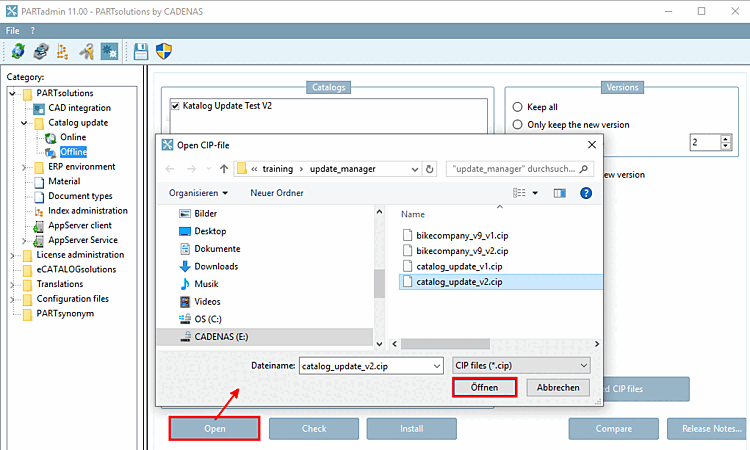
In PARTadmin, switch to the category Catalog update -> Offline.
If you have the CIP file directly available, set the Offline category straight away and click Open. In the Open CIP file [Open CIP-file] dialog box, select the desired file and confirm again with Open.


![[Note]](https://webapi.partcommunity.com/service/help/latest/pages/cn/partwarehouse/doc/images/note.png)