
 |
Before you can use the ERP Number Generator you must make the appropriate settings in PARTadmin.
In PARTadmin, under CADENAS_SETUP open the
configuration file erpcustom.cfg in the dialog
area Category.
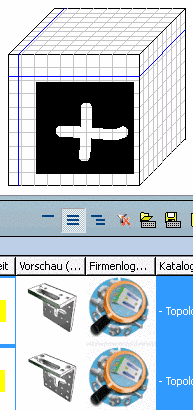
Now both keys ERP_NRGENERATOR and ERP_NRGENERATOR_CONDITIONS are used.
With both these keys you define the pattern after which the ERP numbers are to be generated.