The Sketcher docking window appears on various calls:
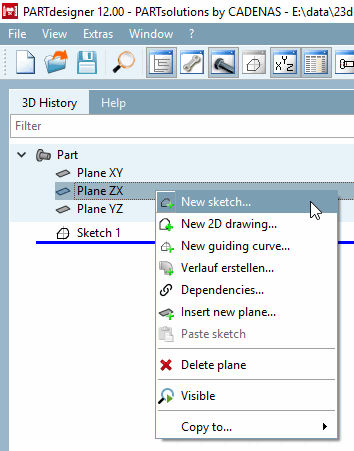
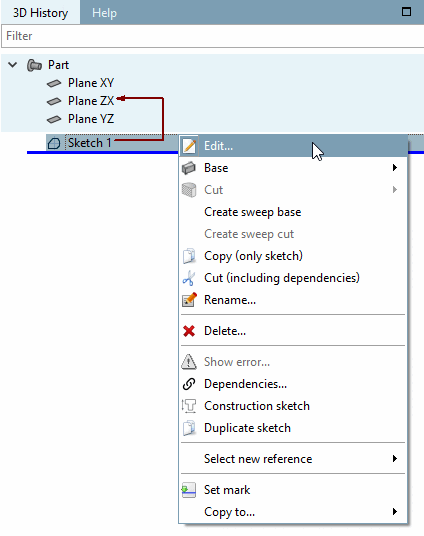
New sketch... / Edit [Edit...]...:
If you want to create a new Sketch for a part, do the following:
If you want to edit an already existing sketch, do the following:
New 2D drawing. [New 2D drawing...]..:
If Sketcher is opened in drawing mode, the dialog box of the same name appears first, where you can select a view [View]. After clicking , the Sketcher docking window opens.
In drawing mode, there are additional tools in compare to sketch mode. See Section 7.9.3.15, “ Tools in drawing mode ”.
New progression sketch. [New guiding curve...]..:
Sweeps can be created from a combination of sketch and sketch's guiding curve. See Section 7.6.2.9.2, “Create sweeps with gradient curve ”.