
 |
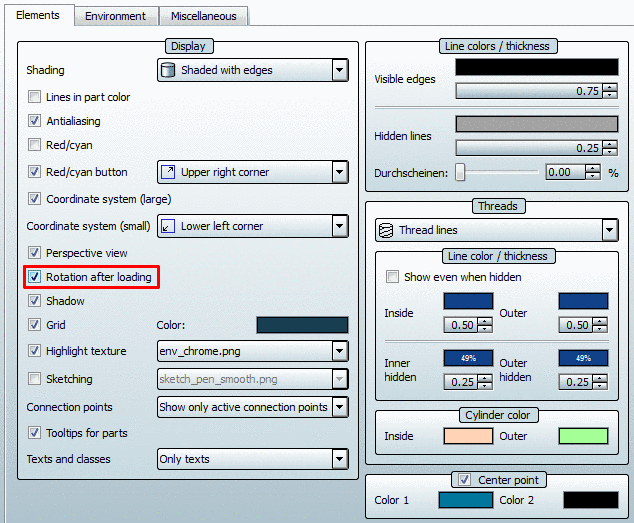
Via PARTdataManager -> Extras menu -> Preferences -> Elements tab page -> Display -> Rotation after loading you may turn this feature on/off.
More information under Section 3.3.8.2.1, “ Display ” in PARTsolutions - User manual.
|
Via PARTdataManager -> Extras menu -> Preferences -> Elements tab page -> Display -> Rotation after loading you may turn this feature on/off.
More information under Section 3.3.8.2.1, “ Display ” in PARTsolutions - User manual.