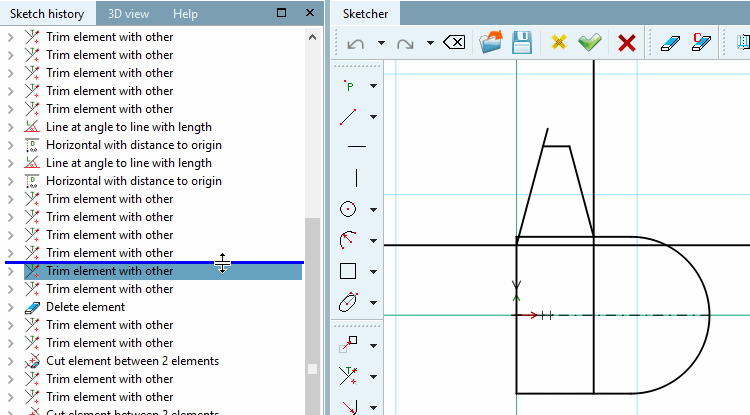
With a movable marker (blue line) in the sketch history [Sketch history] (initially at the bottom of the tree), you can "return" to each individual construction step, which is then immediately displayed in the sketcher [Sketcher].
The line can be moved as soon as the double arrow symbol appears when you touch it with the mouse pointer.
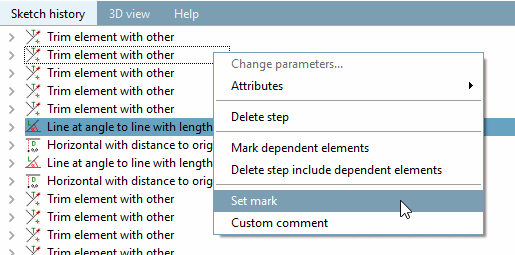
You can also move the line using the context menu command: To do this, select the last feature to be displayed and click on Set selection [Set mark].