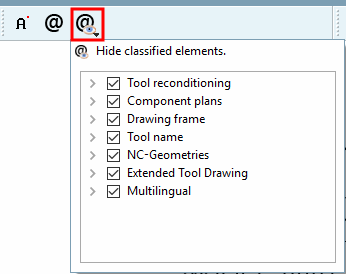
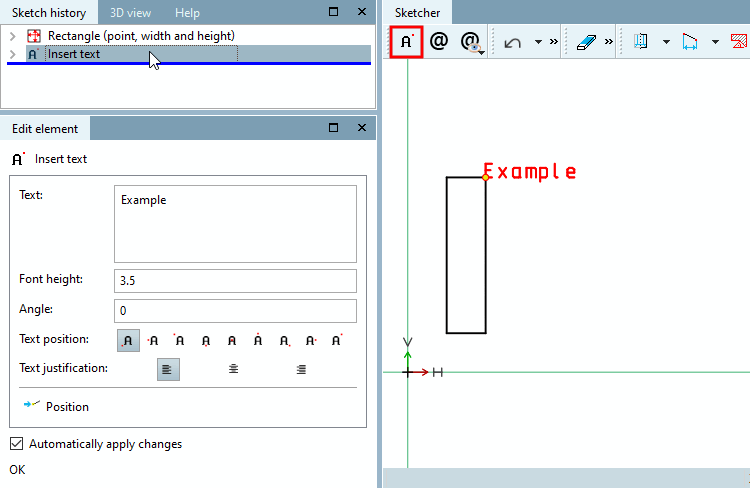
Click on the button and move the mouse cursor over the desired insertion point.
-> The snap is shown at the selected position.
With a mouse click the function is executed.
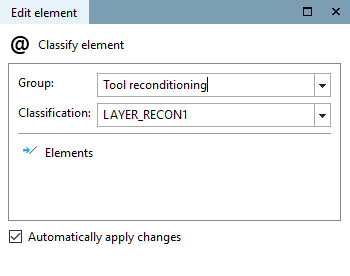
-> The individual setting parameters are displayed in the Edit element window.
Enter the desired text under Text and define the appearance using the following setting options:

![[Note]](https://webapi.partcommunity.com/service/help/latest/pages/cn/partwarehouse/doc/images/note.png) | Note |
|---|---|
A current CNS classification is required. The feature was officially made available with V11 SP6. An example on this can be found under Section 5.10.2.6, “BMG Layer (DIN4003) ”. | |