
 |
For Duplicate analysis the new helpful option Topology filter has been added. Background is that the geometrical search, which is the base of duplicate analysis, does not consider some details like different hole patterns and thus shows 100% similarity in these cases, which is not correct.
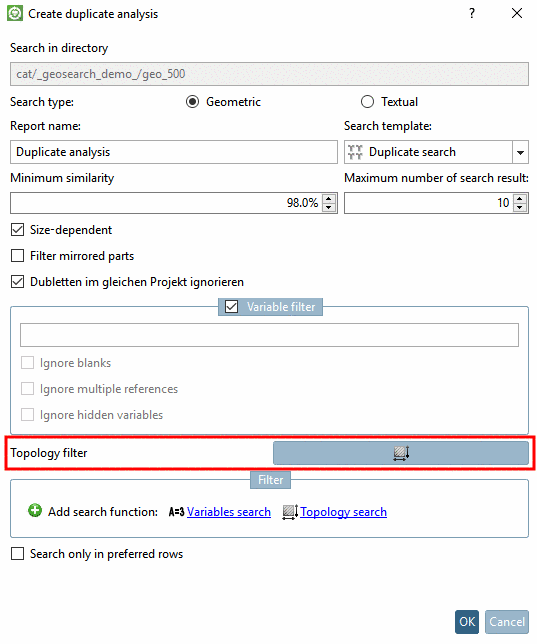
The possible use shall be shown with the help of a little example.
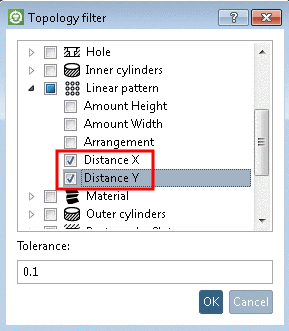
Now parts with different hole pattern are not listed as duplicates anymore.
![[Note]](https://webapi.partcommunity.com/service/help/latest/pages/cn/partwarehouse/doc/images/note.png)
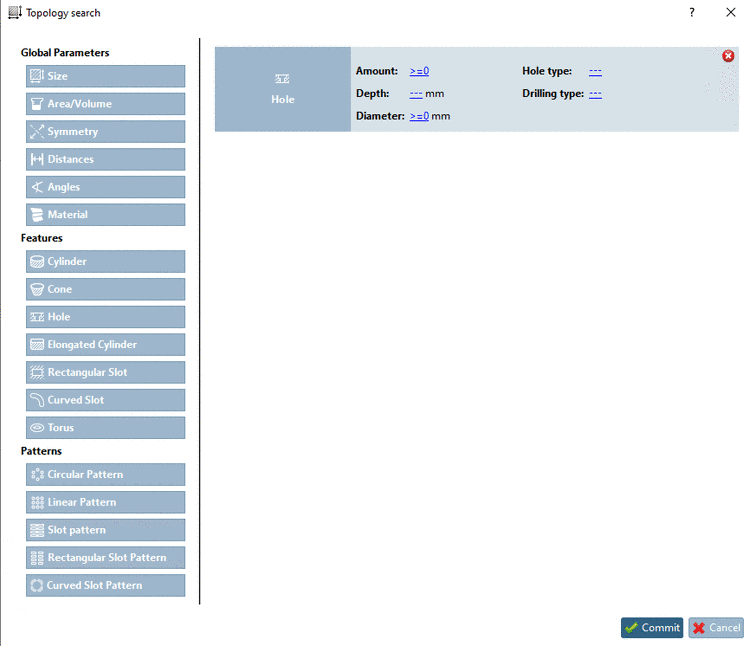
Details on duplicate analysis are found under Section 3.1.14.2, “ Duplicate Analysis ” in PARTsolutions - User manual.