

For a strict search [Strict search], place an exclamation mark (!) at the end of the desired term.
Condition: The result may only contain what was entered (apart from spaces or a separator such as a period). The strict search [Strict search] tolerates Stemming [Strict search] [9].
Execute the strict search [Strict search] as a variable search only.
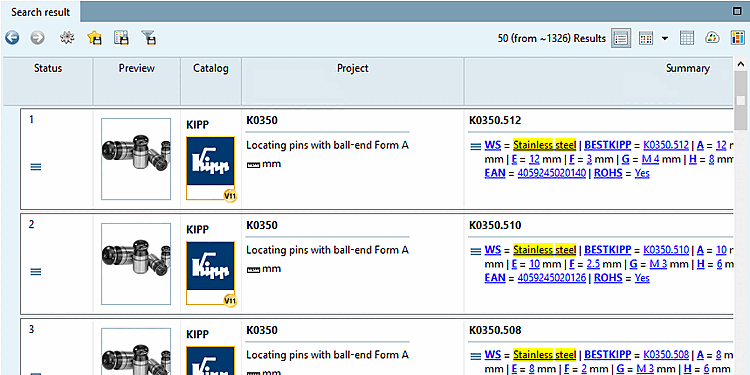
WS=Steel
for example, also finds "Stainless steel".
If you only want to find "Steel", use the strict search [Strict search].
WS=Steel!
If, on the other hand, you only want hits with "Stainless steel", e.g. you want to exclude hits with "Steel" alone, then combine Phrase search and Strict search.
WS="Stainless Steel"!

![[Note]](https://webapi.partcommunity.com/service/help/latest/pages/cn/installation_ecatalogsolutions/doc/images/note.png)