
 |
As soon as a report generation has been started, the dialog box Running report generations on server opens.

Reports are listed line by line. With you can cancel the report generation.
In the column Status, you receive specific information like No search results, Running or license error messages or messages when problems at loading of assemblies occur, etc.
Status messages are displayed up to 24h after finishing of a report and are then deleted.
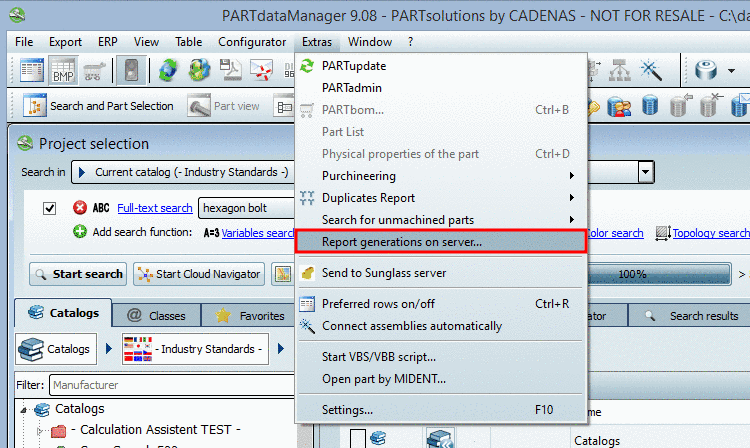
You can open the dialog box anytime via Extras menu -> Report generations on server... menu item.
Detailed information on all kinds of reports can be found under Section 3.1.13.1, “ Purchineering ” in PARTsolutions - User manual, Section 3.1.13.2, “ Duplicates Report ” in PARTsolutions - User manual and Section 3.1.13.3, “ Unmachined / Finished part report ” in PARTsolutions - User manual.