Open the standard user menu by clicking on the round button at the top right.
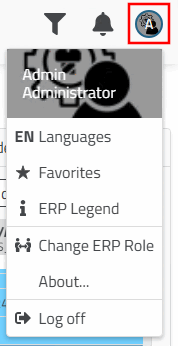
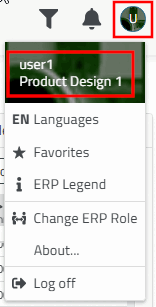
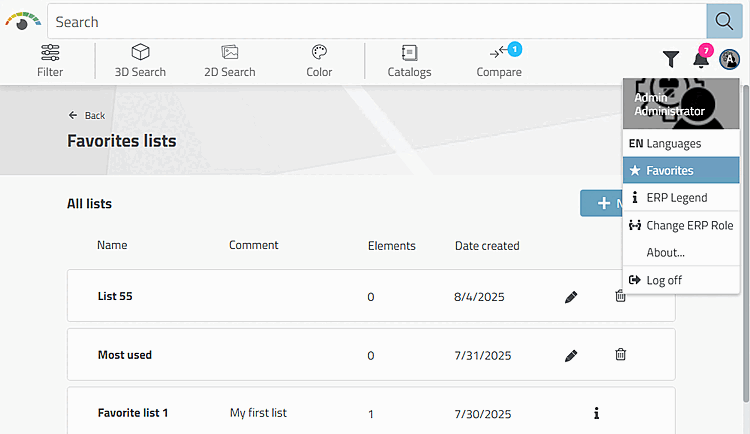
You will see the following sub-items in the menu:
User change (authenticate user)
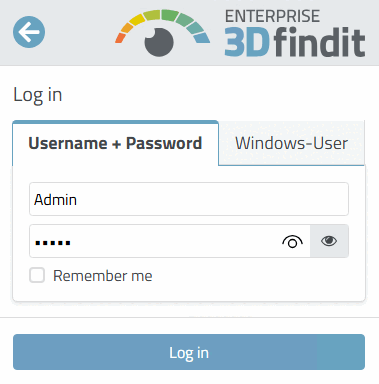
The login dialog appears when you start 3Dfindit and every time you log off.
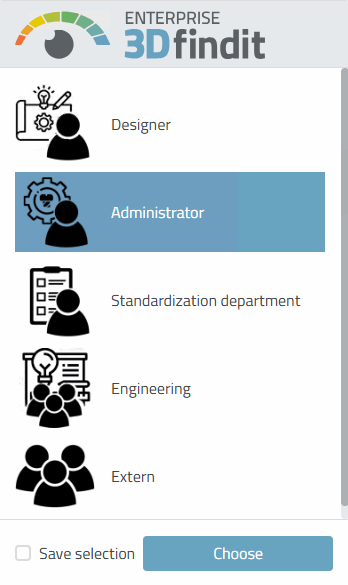
If several roles are configured, a dialog for role selection appears after . This can also be called up at any time via Change ERP role [Change ERP Role].
The currently set user and the currently set role are displayed at the top of the user dialog.
If a role change is rather rare, you can activate the Save selection option. This saves the last role selected and suppresses the role dialog until the user calls up the function again.
Favorites: The favorites lists [Favorites lists] are opened.
For setup, see Section 1.8.5, “3Dfindit - Favorites configuration ”.
For the application, see Section 8.2, “ Favorites ” in ENTERPRISE 3Dfindit - User.
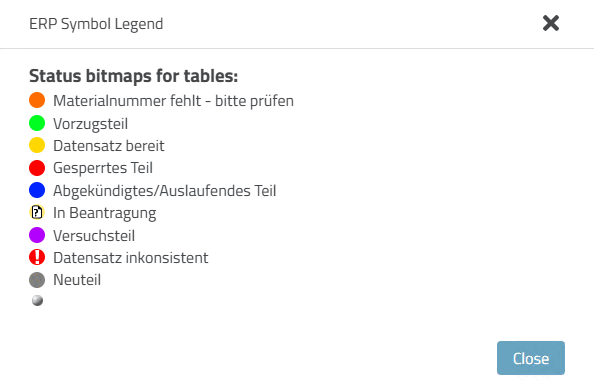
ERP legend [ERP Legend]: A legend is displayed according to the setup.
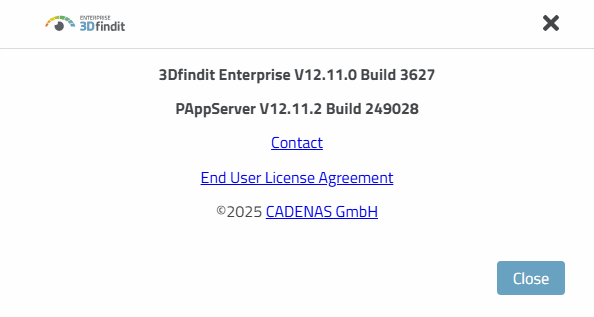
About.. [About...].: Display of build no., etc.