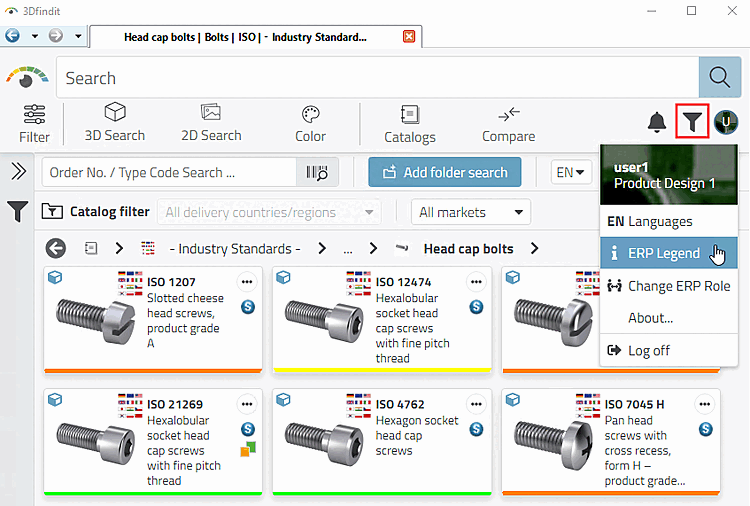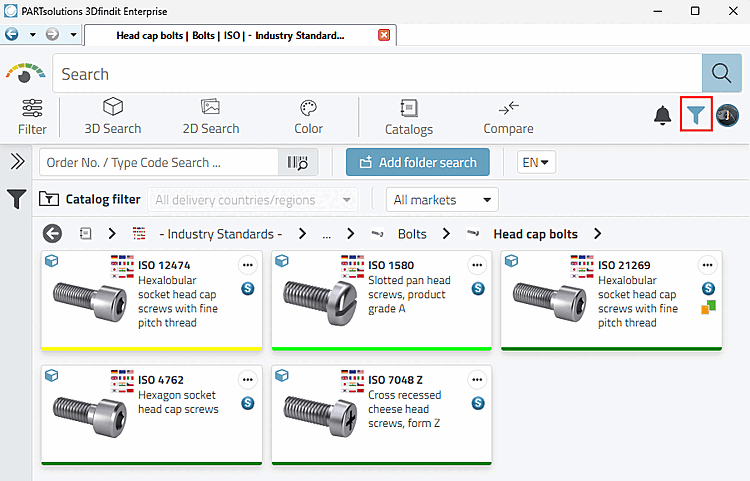
In addition to the round
button for the user menu, you will find the buttons for
Priority rows
 and notifications
 .
.
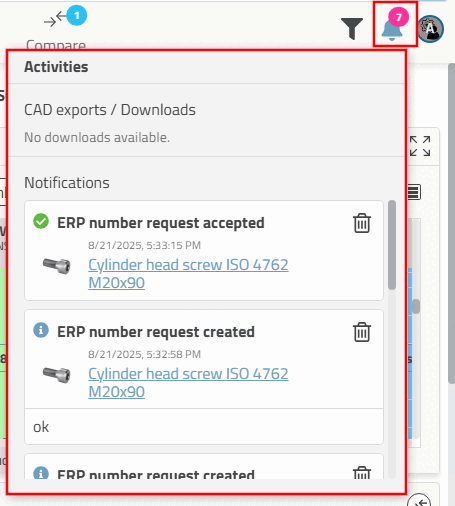
Click on the button to open the Activities dialog box. Notifications for export or ERP number applications are displayed here, for example.
Preferred series on/off [Preferred rows on/off]: A preferred series definition must be set for the function to be effective. In the simplest case, the existence of an ERP/PDM number is taken as a basis. See Section 5.7.5.1.2, “ Preferred series - plinkgroups.cfg -> Block [Role_name] -> Key "PREFRANGE" ” and Section 5.7.5.1.3, “ Display condition for part selection - Colored catalog index - plinkgroups.cfg -> Block [Role_name] -> Key "CONDITIONTREE" ”.
Click on the button to display only those directories and products that contain parts that meet the condition.
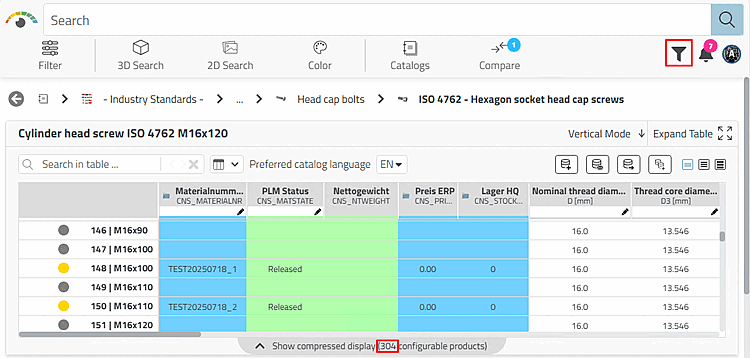
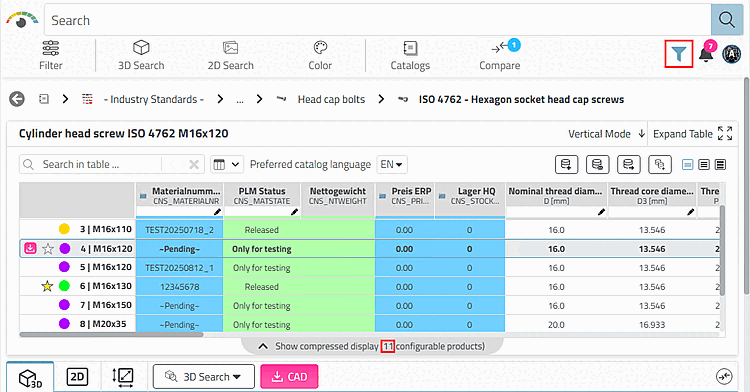
Only rows that match the condition are displayed in the table.
Search results are also filtered according to the condition.
Preferred series filter: All products (regardless of whether they contain ERP numbers or not) are displayed.
Preferred row filter off: All table rows (regardless of whether they contain an entry under "Material number" or not) are displayed.
![[Note]](https://webapi.partcommunity.com/service/help/latest/pages/cn/partsolutions_admin/doc/images/note.png)