

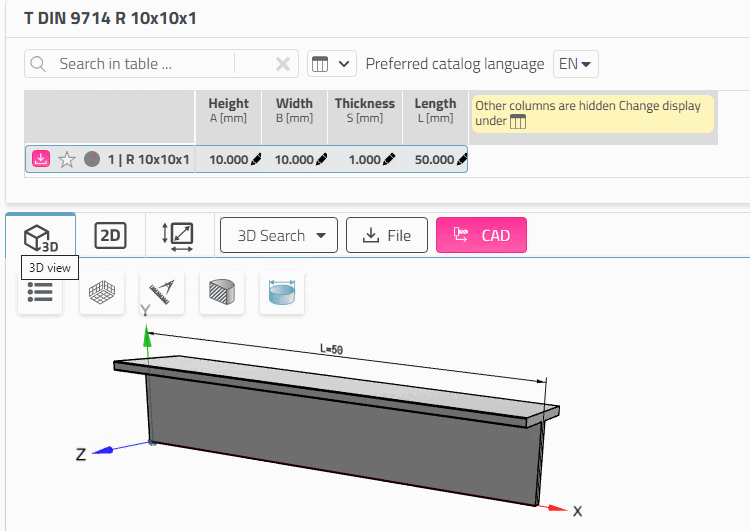
Certain components have value range variables [Value range variables]. No fixed value is created for these.
In order to clearly determine the specific characteristic, all value ranges must also be defined for these components.
Value range fields are marked with a pencil icon
 marked in the selected line
become visible. To open an input field, click on the icon
.
marked in the selected line
become visible. To open an input field, click on the icon
.
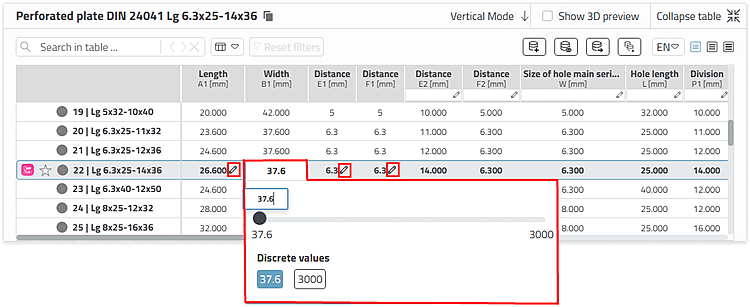
Example semi-finished product -> dimensional characteristic - Make the selection here using the slider. Two discrete values are also available for selection.
The dialog may look different depending on the component specifications.
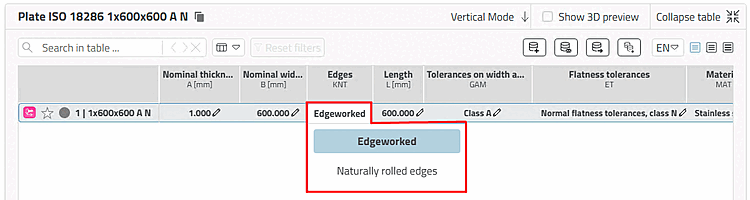
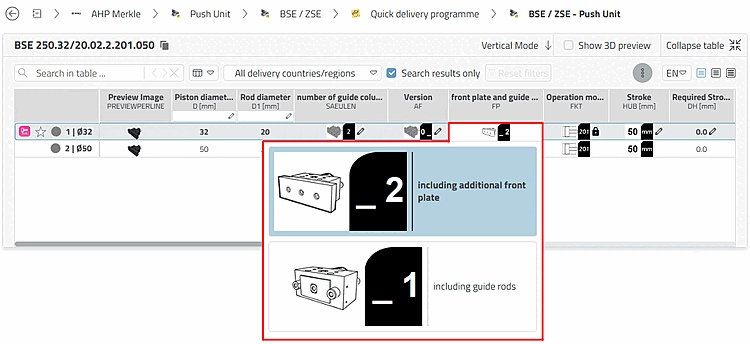
Changing the table entry immediately changes the display in the 3D view.
There are different types of value range fields.
By default
Geometry features are pinned after an ERP number has been assigned
 , feature features remain unpinned
 . [34]
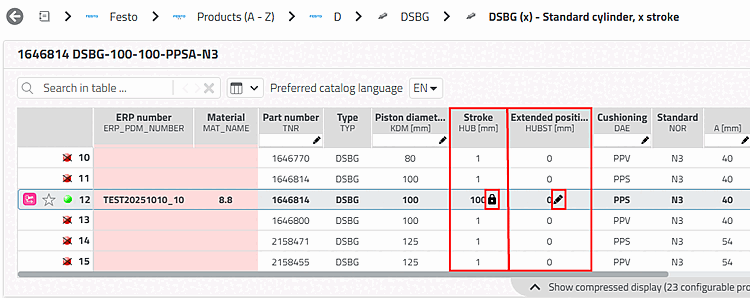
Functional feature [Function attribute]
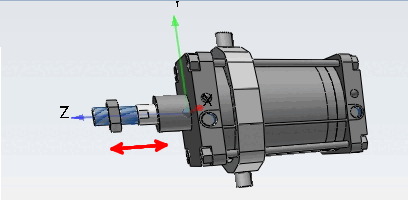
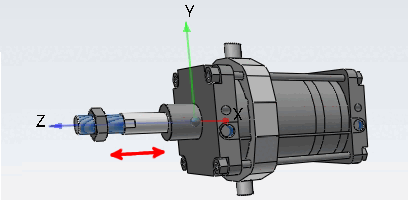
The functional characteristic [Function attribute] is used for stroke and angle positions, for everything that defines a mechanical movement in a part/assembly.
Geometric feature [Geometry attribute]
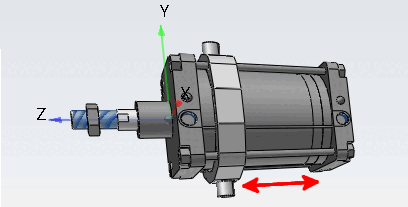
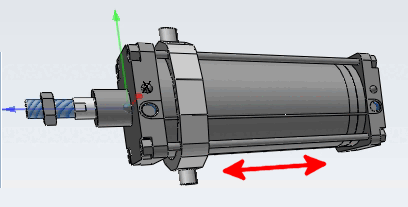
The geometry characteristic [Geometry attribute] is used for characteristics that have an influence on the geometry, e.g. if the geometry of the part or assembly changes due to the variable (e.g. stroke length), or if components are added or removed, e.g. "Sensor yes/no" or "Option on/off".
![[Note]](https://webapi.partcommunity.com/service/help/latest/pages/cn/partsolutions_user/doc/images/note.png)
Note In the case of a cylinder, for example, must be distinguished between the HUB, which is a geometry feature [Geometry attribute] and the lifting position, which is a functional feature [Function attribute] is. With ERP functionality, the HUB is pinned as soon as a ERP_PDM_NUMBER was awarded; the lifting position is not pinned. The pinned state is visible on a special icon
. Different strokes are
ERP functionality also includes different ERP numbers
Allocated; different lifting positions.Dimensional characteristic [Dimension attribute]
The dimensional characteristic [Dimension attribute] is used for semi-finished products and profiles that are manufactured in running meters.
Note Whether a dimension characteristic is included [Dimension attribute] in the an ERP number is pinned
, is available via configuration file in
Dependency on the desired internal company workflow
adjusted. [a]
If the line is pinned and you require a different value, use the unpinned "neutral" line without an ERP number next to it instead. Whether rows without an ERP number may be exported depends on the desired internal company workflow.
[a] See Section 5.18.2, “ Pin dimension feature on/off / plinkcommon.cfg -> Block [PARTdataManager] -> Key "LockDimRange" ” in ENTERPRISE 3Dfindit (Professional) - Administration
Characteristic [Object attribute]
The characteristic attribute [Object attribute] is used for values that are required for dimensional and/or product standards, for order numbers or technical specifications, etc. (characteristics that have nothing to do with geometry or function).
Note A feature [Object attribute] is pinned as soon as an ERP number has been assigned for the line in question. It is marked with a corresponding icon
.If you require a different value, use the unpinned "neutral" line without an ERP number next to it instead. Whether lines without an ERP number may be exported depends on the desired internal company workflow.
[34] Administrative the setting can be changed so that feature features. See Section 5.18.3, “ Function characteristic pin on/off / plinkcommon.cfg -> Block [PARTdataManager] -> Key "LockFunctionRange" ” in ENTERPRISE 3Dfindit (Professional) - Administration