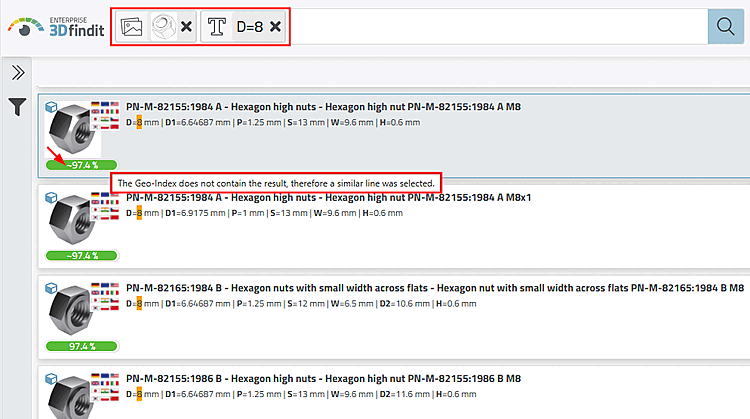
In manufacturer catalogs, not all table rows are indexed for the products, but only 1% of the table rows or at least 3 rows (the first, the middle and the last) in the delivery state. If you use the photo search, only these rows are primarily displayed in the results. However, if you combine the photo search, e.g. with a text or variable search, the precisely specified rows are displayed; the geometric similarity value is not real, but the similarity value of the nearest row from the photo search is displayed. You can recognize this by the tilde symbol and, on mouseover, by the tooltip information.
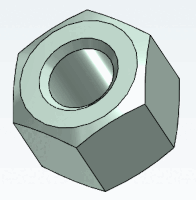
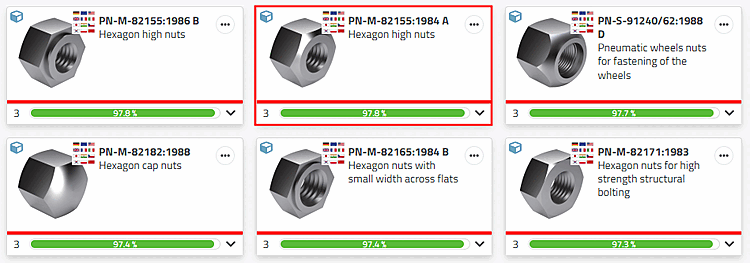
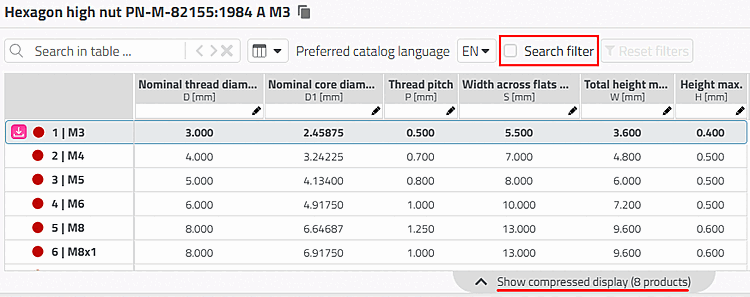
Desired result in table view: The activated search filter [Search filter] option shows that the table is displayed filtered. Only rows that are geometrically indexed are displayed.
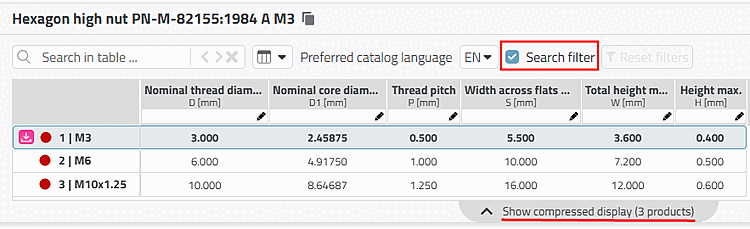
Deactivating the Search filter option displays the complete table.
We now carry out a combined photo search with text/variable search with the variable value "D=8".
As the result is not contained in the geo-index, a similar line was selected. You can recognize this by the tilde that precedes the similarity value and by the tooltip information.