

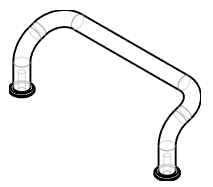
For example, we are searching for the following handle:
Click on the 2D Search icon and then on Sketch search [Sketch Search].
Draw a sketch (one or up to three, depending on the complexity of the component) or upload a photo.
Enter a value for the minimum similarity [Similarity]. Default is 75.
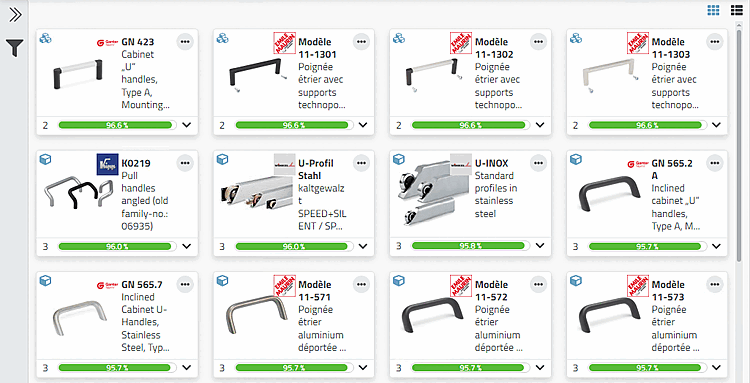
Click . Optionally, filter for a specific manufacturer.
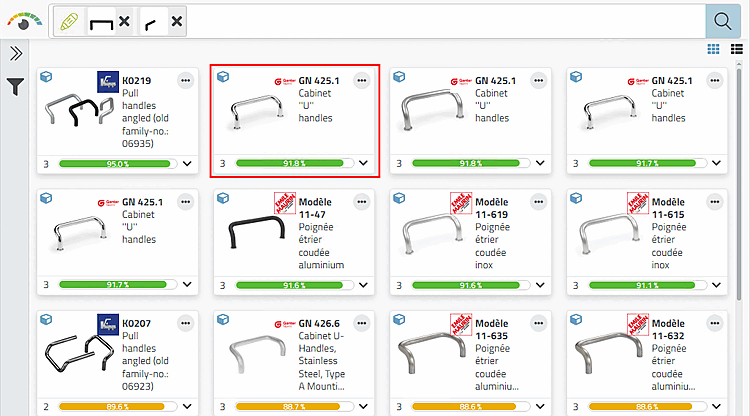
→ The search parameter (or any number of parameters) is displayed in the search field.
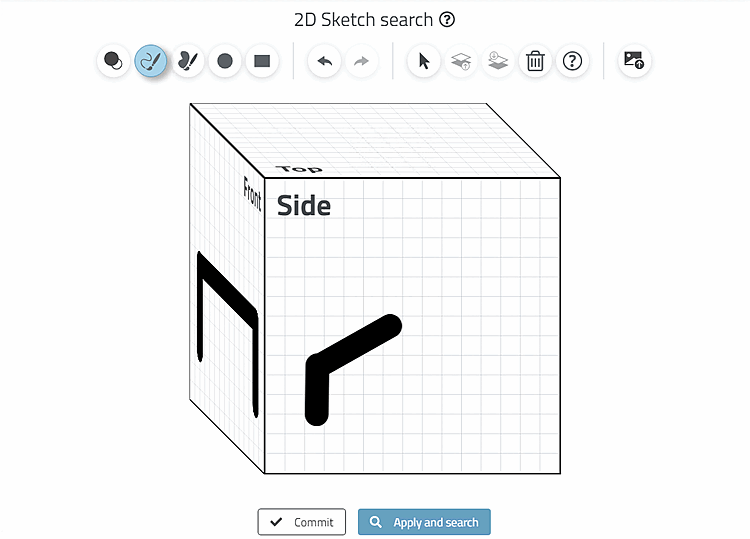
Create a second sketch in side view.
→ The desired result now appears at the very front.
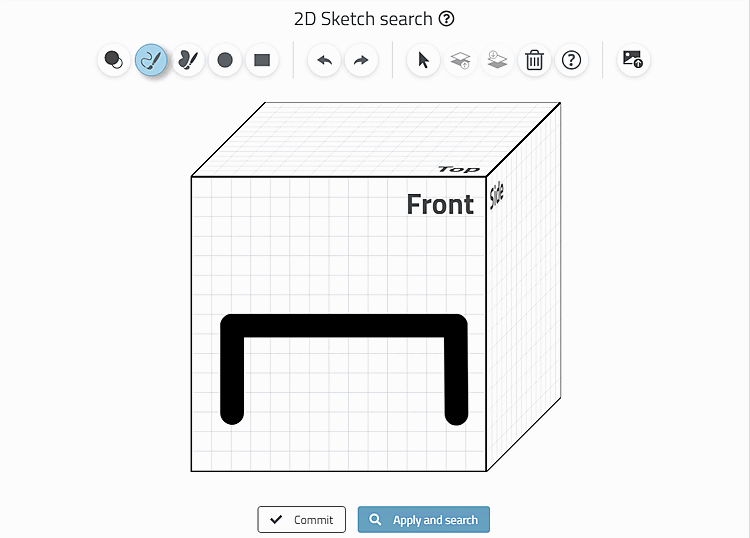
Draw a sketch (one or up to three, depending on the complexity of the component) or upload a photo.
Enter a value for the minimum similarity [Similarity]. Default is 75.
Click . Optionally, filter for a specific manufacturer.
→ The search parameter (or any number of parameters) is displayed in the search field.
Create a second sketch in side view.
→ The desired result now appears at the very front.